
Reverse geocode coordinates and return sf objects
Source:R/reverse-geo-lite-sf.R
reverse_geo_lite_sf.RdReverse geocodes latitude and longitude coordinates and returns matching
results as an sf object. Latitude values must be in
\(\left[-90, 90 \right]\) and longitude values in
\(\left[-180, 180 \right]\). Use reverse_geo_lite() to return a
tibble instead.
Usage
reverse_geo_lite_sf(
  lat,
  long,
  address = "address",
  full_results = FALSE,
  return_coords = TRUE,
  verbose = FALSE,
  nominatim_server = "https://nominatim.openstreetmap.org/",
  progressbar = TRUE,
  custom_query = list(),
  points_only = TRUE
)
Arguments
- lat
A numeric vector of latitude values in the range \(\left[-90, 90 \right]\).
- long
A numeric vector of longitude values in the range \(\left[-180, 180 \right]\).
- address
A character string specifying the name of the address column in the output. Defaults to
"address".- full_results
A logical value indicating whether to return all available fields from the Nominatim API. If
FALSE, only query metadata, geometry and requested address columns are returned.- return_coords
A logical value indicating whether to return the input coordinates with the results.
- verbose
A logical value indicating whether to display detailed messages in the console.
- nominatim_server
A character string specifying the base URL of the Nominatim server. Defaults to
"https://nominatim.openstreetmap.org/".- progressbar
A logical value indicating whether to display a progress bar when processing multiple queries.
- custom_query
A named list of API-specific parameters, for example
list(zoom = 3). See Details.- points_only
A logical value indicating whether to return only point geometries. If
FALSE, the API may return other geometry types. See About geometry types.
Value
An sf object with the results that match the query.
Details
See https://nominatim.org/release-docs/latest/api/Reverse/ for additional
parameters to pass to custom_query.
About zooming
Set custom_query = list(zoom = 3) to adjust the output. Selected zoom
levels correspond to these address details:
| zoom | address_detail |
3 | country |
5 | state |
8 | county |
10 | city |
14 | suburb |
16 | major streets |
17 | major and minor streets |
18 | building |
About geometry types
The points_only argument controls whether the results contain only points.
All Nominatim results have at least a point geometry.
When points_only = FALSE, the geometry type depends on the matching
feature. Administrative areas and major buildings are returned as polygons,
rivers and roads are returned as lines and amenities may still be returned
as points.
This function is vectorized, allowing multiple addresses to be searched.
With points_only = FALSE, multiple geometry types may be returned.
See also
Reverse geocoding functions:
reverse_geo_lite()
Spatial helper and output functions:
bbox_to_poly(),
geo_address_lookup_sf(),
geo_amenity_sf(),
geo_lite_sf(),
geo_lite_struct_sf()
Examples
# \donttest{
library(ggplot2)
# Define the Colosseum coordinates.
col_lon <- 12.49309
col_lat <- 41.89026
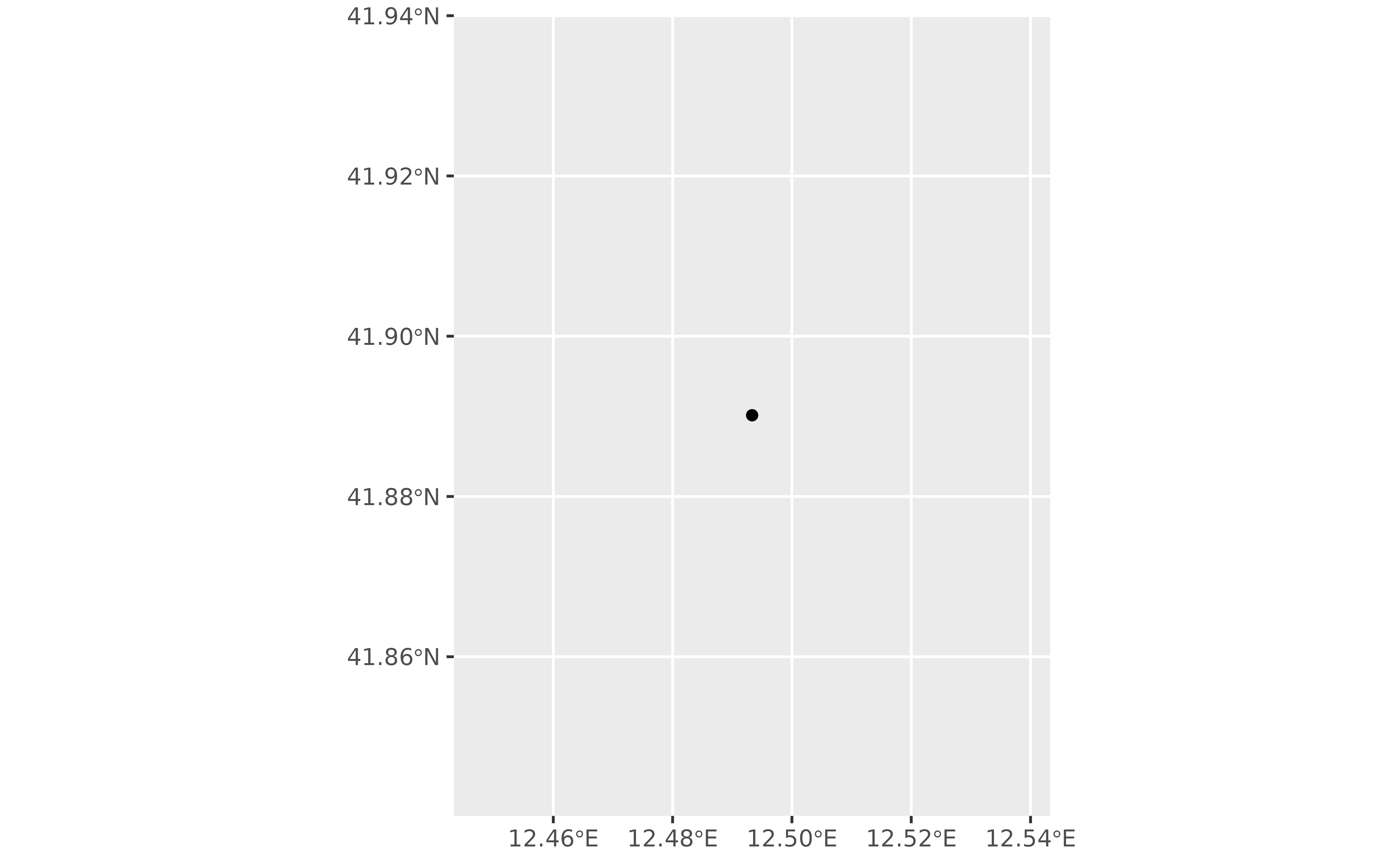
# Return the Colosseum as a polygon.
col_sf <- reverse_geo_lite_sf(
lat = col_lat,
long = col_lon,
points_only = FALSE
)
dplyr::glimpse(col_sf)
#> Rows: 1
#> Columns: 4
#> $ address <chr> "Piazza del Colosseo, Celio, Municipio Roma I, Roma, Roma Cap…
#> $ lat <dbl> 41.89026
#> $ lon <dbl> 12.49309
#> $ geometry <POINT [°]> POINT (12.49333 41.89014)
if (!all(sf::st_is_empty(col_sf))) {
ggplot(col_sf) +
geom_sf()
}
 # Return the city of Rome by using the same coordinates with zoom 10.
rome_sf <- reverse_geo_lite_sf(
lat = col_lat,
long = col_lon,
custom_query = list(zoom = 10),
points_only = FALSE
)
dplyr::glimpse(rome_sf)
#> Rows: 1
#> Columns: 4
#> $ address <chr> "Roma, Roma Capitale, Lazio, Italia"
#> $ lat <dbl> 41.89026
#> $ lon <dbl> 12.49309
#> $ geometry <MULTIPOLYGON [°]> MULTIPOLYGON (((12.23447 41...
if (!all(sf::st_is_empty(rome_sf))) {
ggplot(rome_sf) +
geom_sf()
}
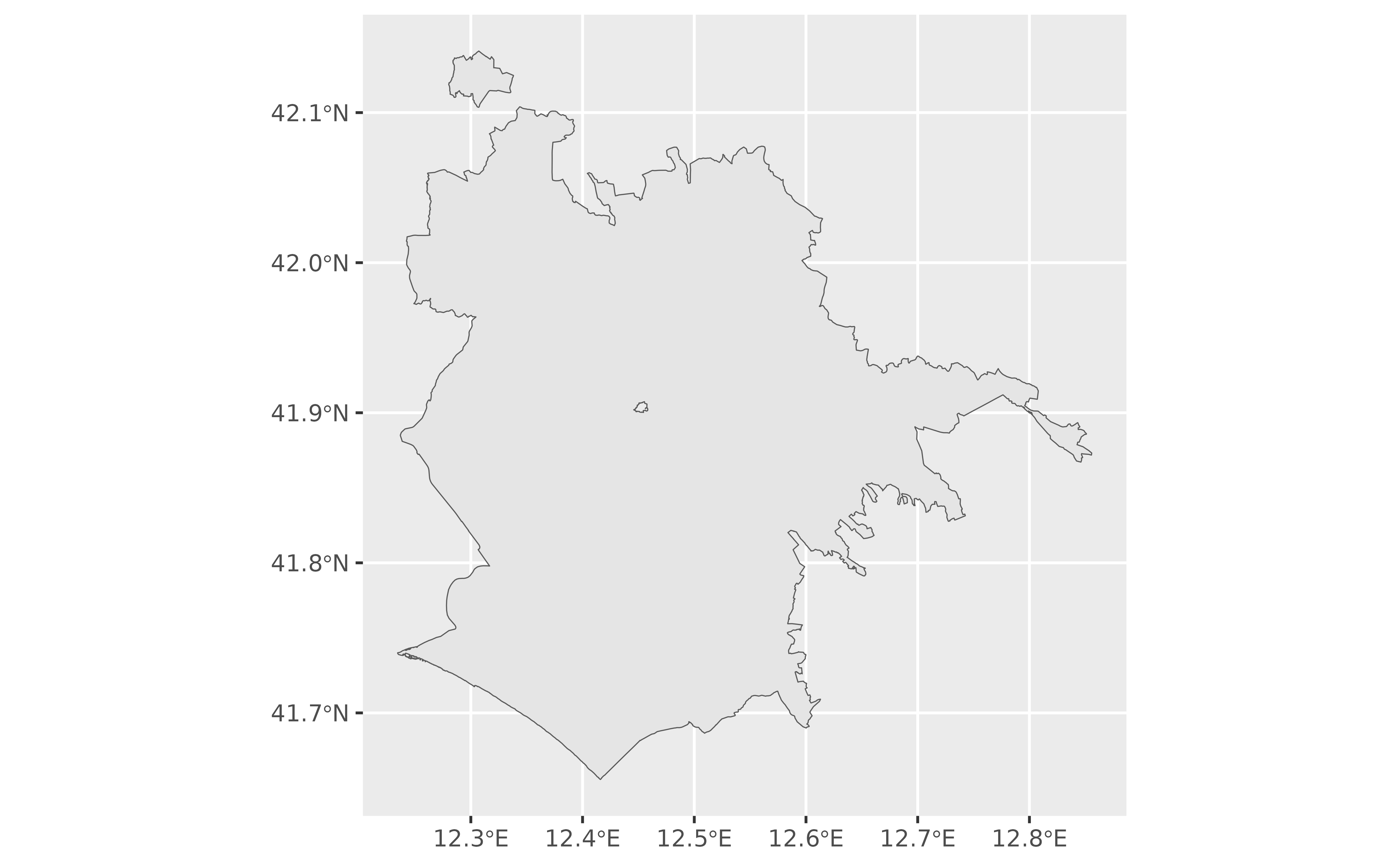
# Return the city of Rome by using the same coordinates with zoom 10.
rome_sf <- reverse_geo_lite_sf(
lat = col_lat,
long = col_lon,
custom_query = list(zoom = 10),
points_only = FALSE
)
dplyr::glimpse(rome_sf)
#> Rows: 1
#> Columns: 4
#> $ address <chr> "Roma, Roma Capitale, Lazio, Italia"
#> $ lat <dbl> 41.89026
#> $ lon <dbl> 12.49309
#> $ geometry <MULTIPOLYGON [°]> MULTIPOLYGON (((12.23447 41...
if (!all(sf::st_is_empty(rome_sf))) {
ggplot(rome_sf) +
geom_sf()
}
 # }
# }