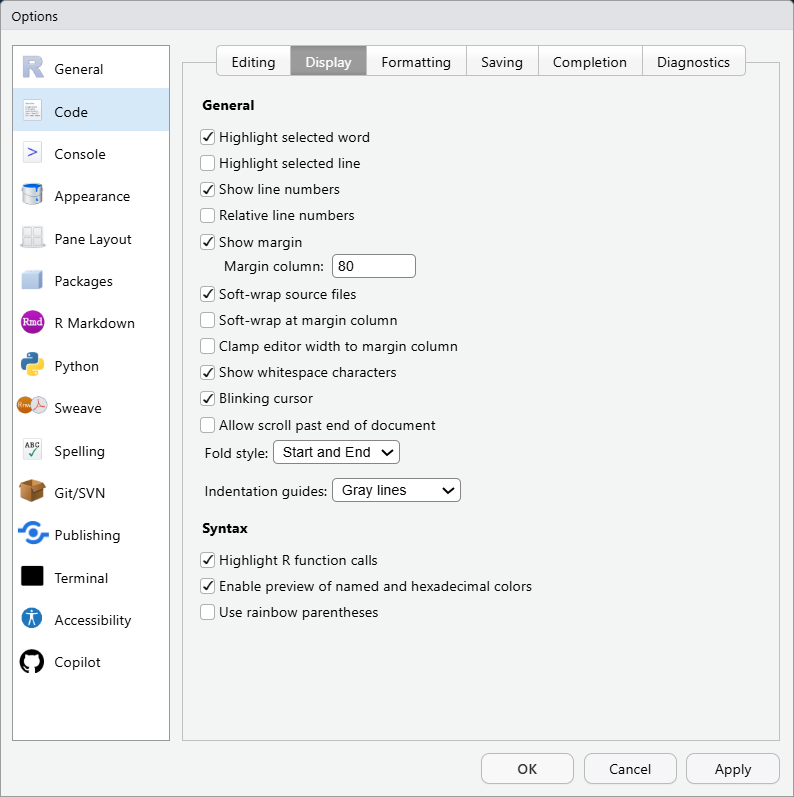
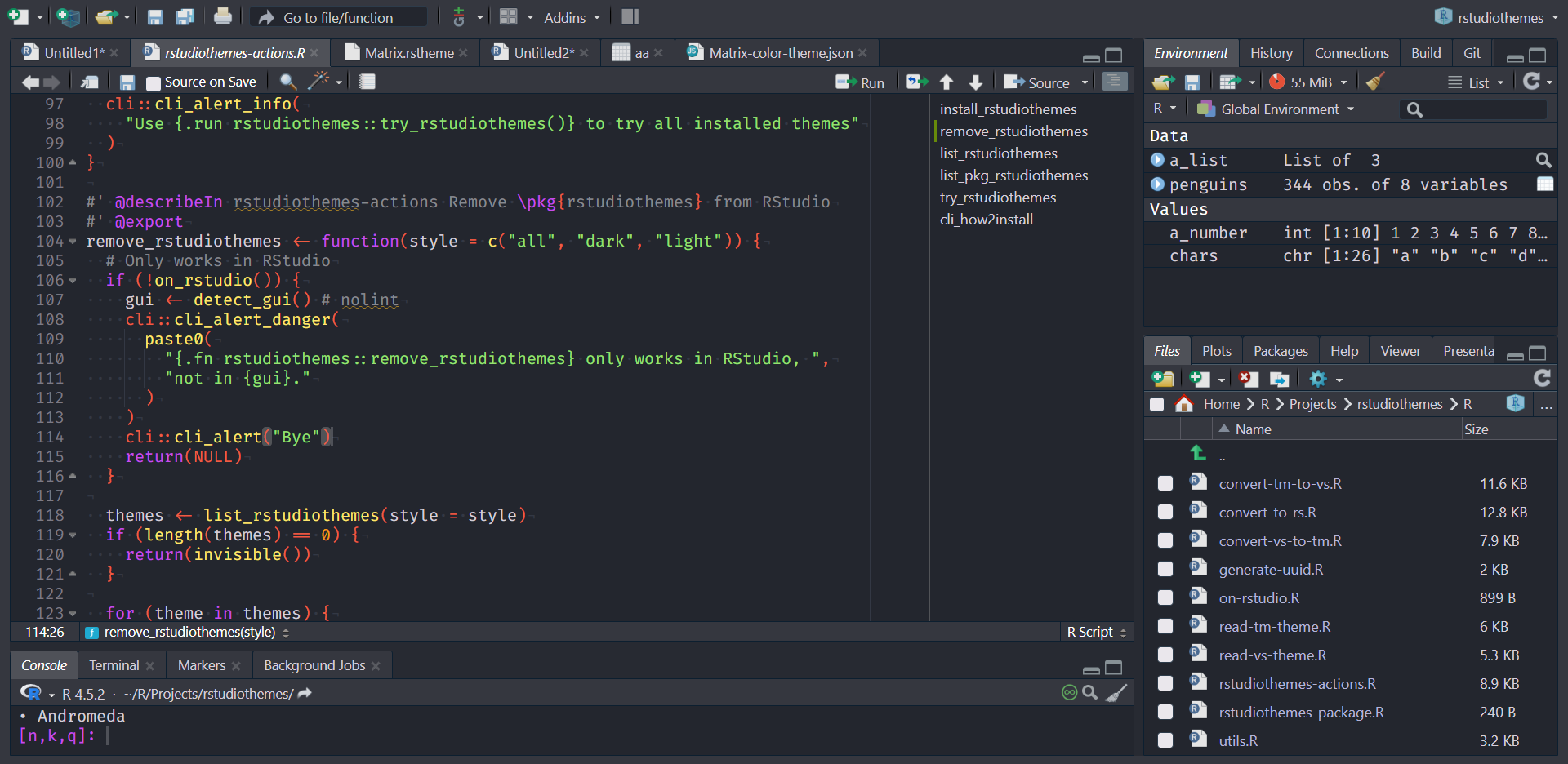
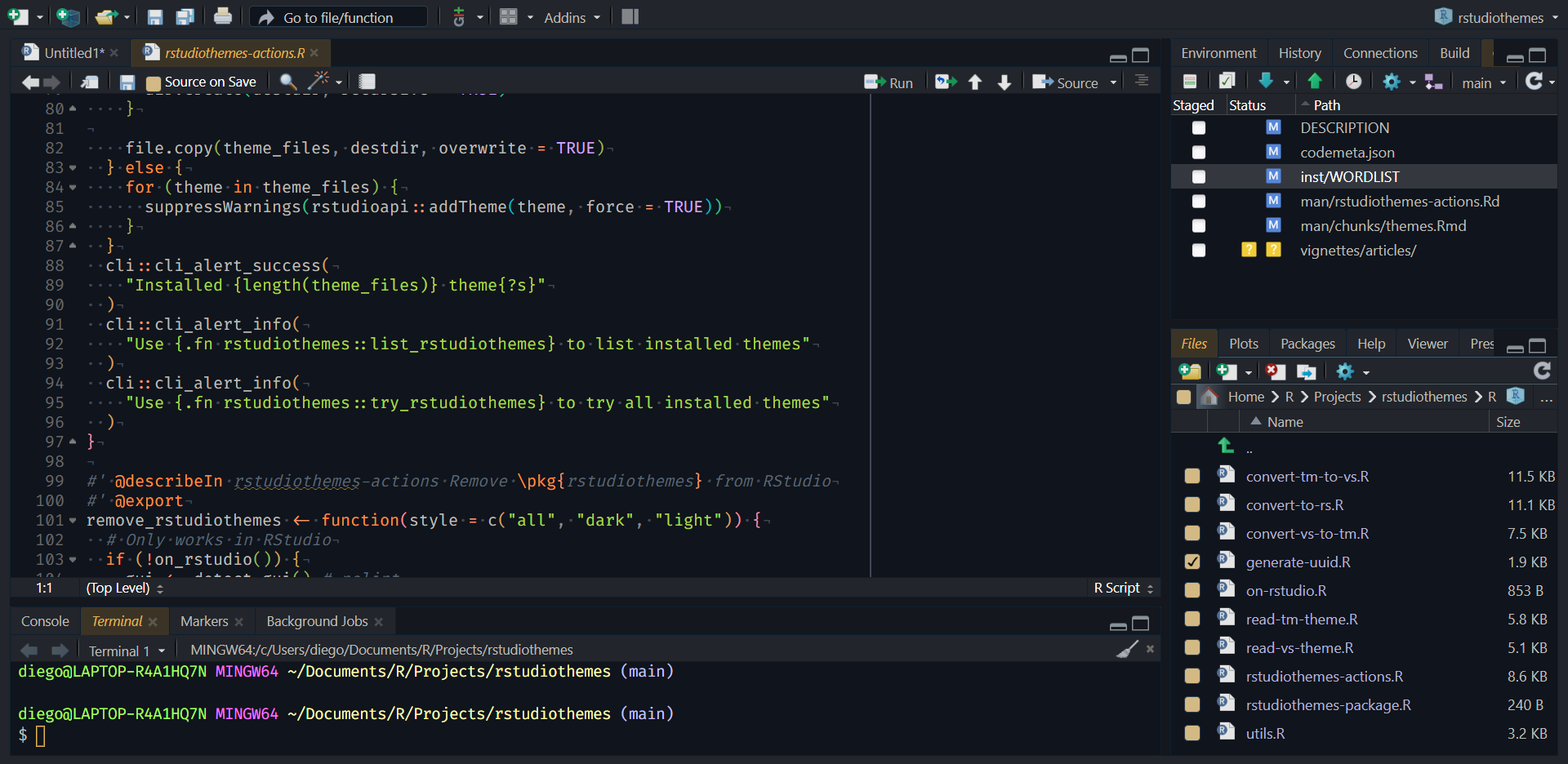
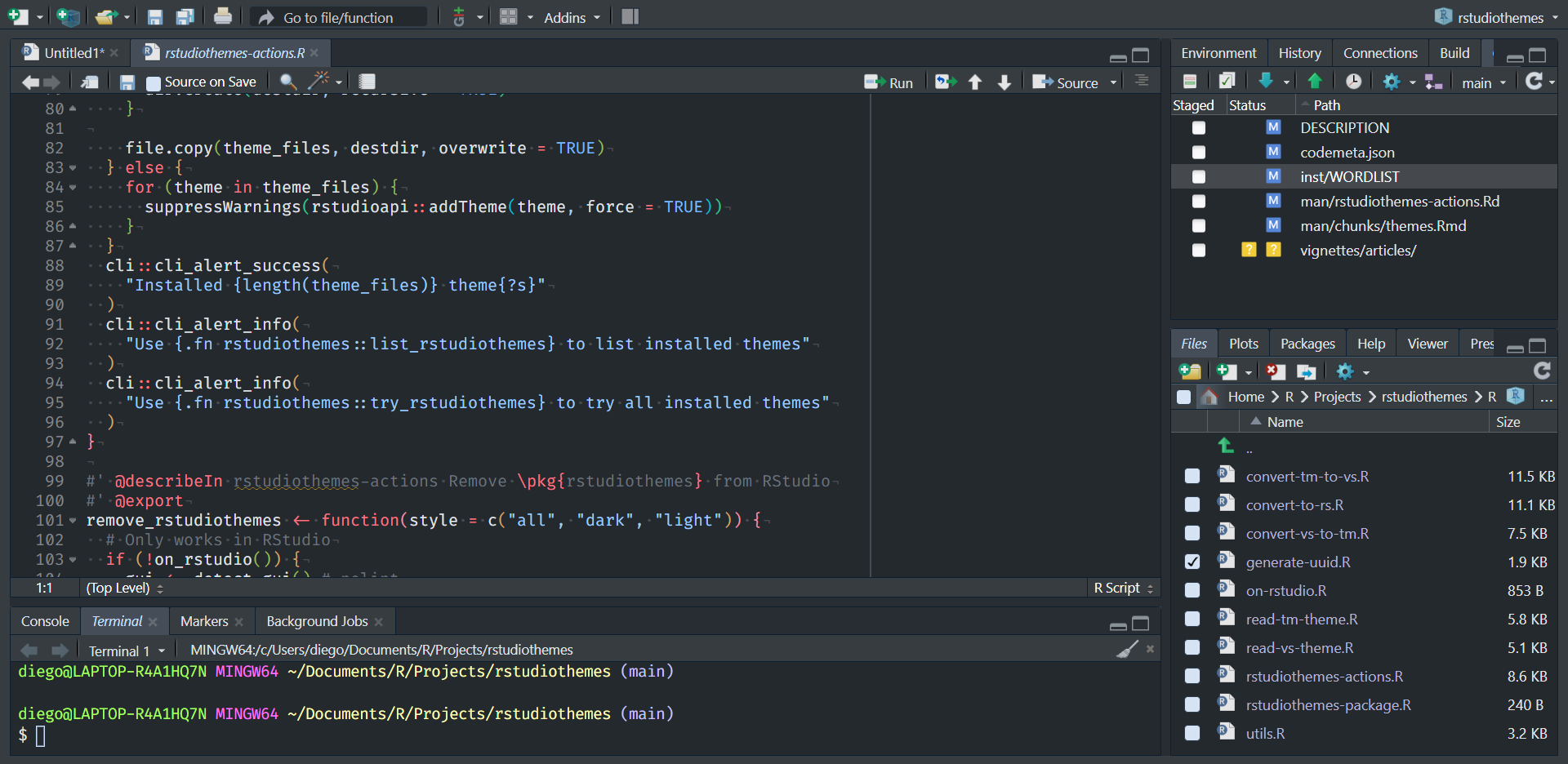
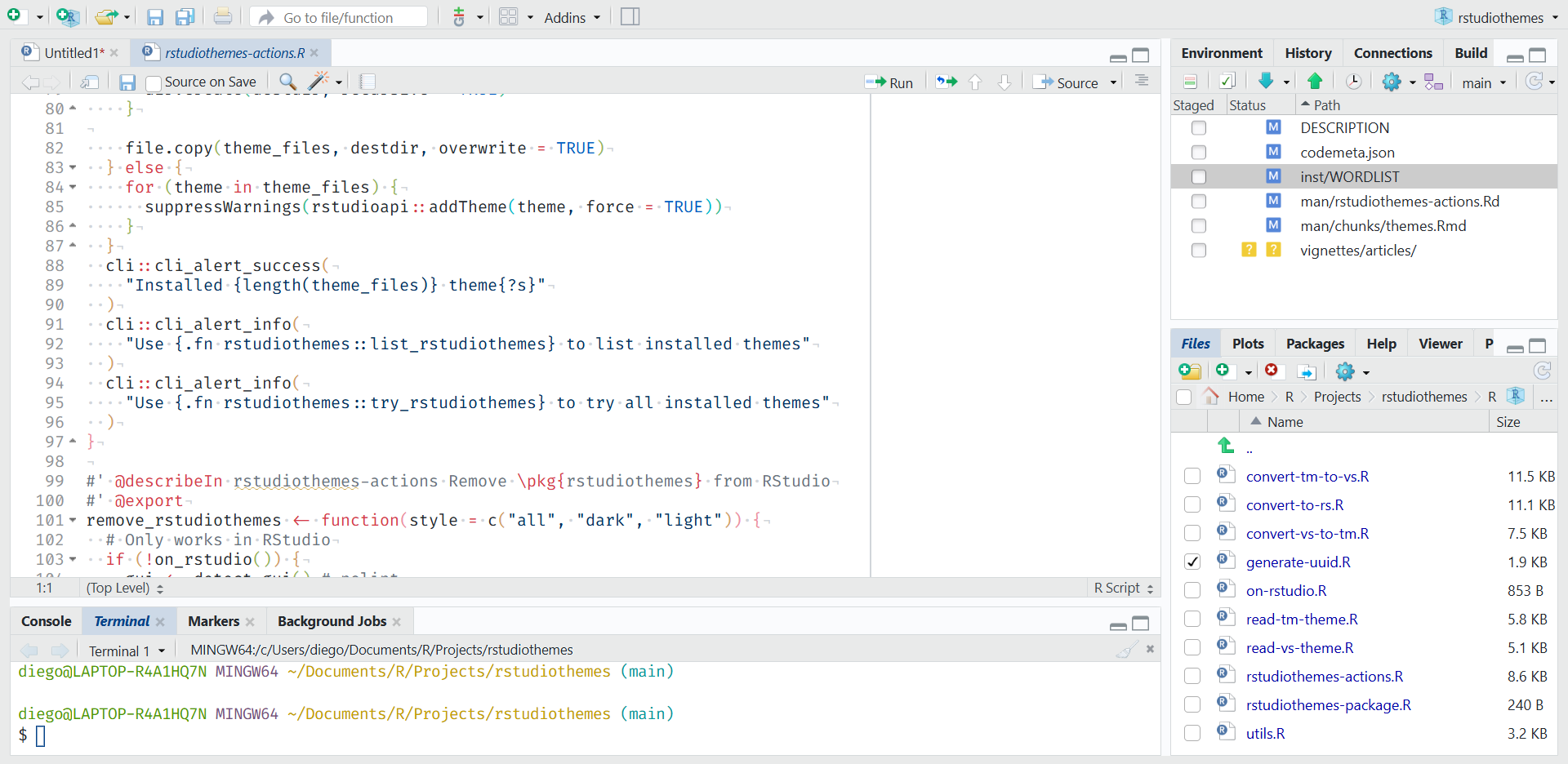
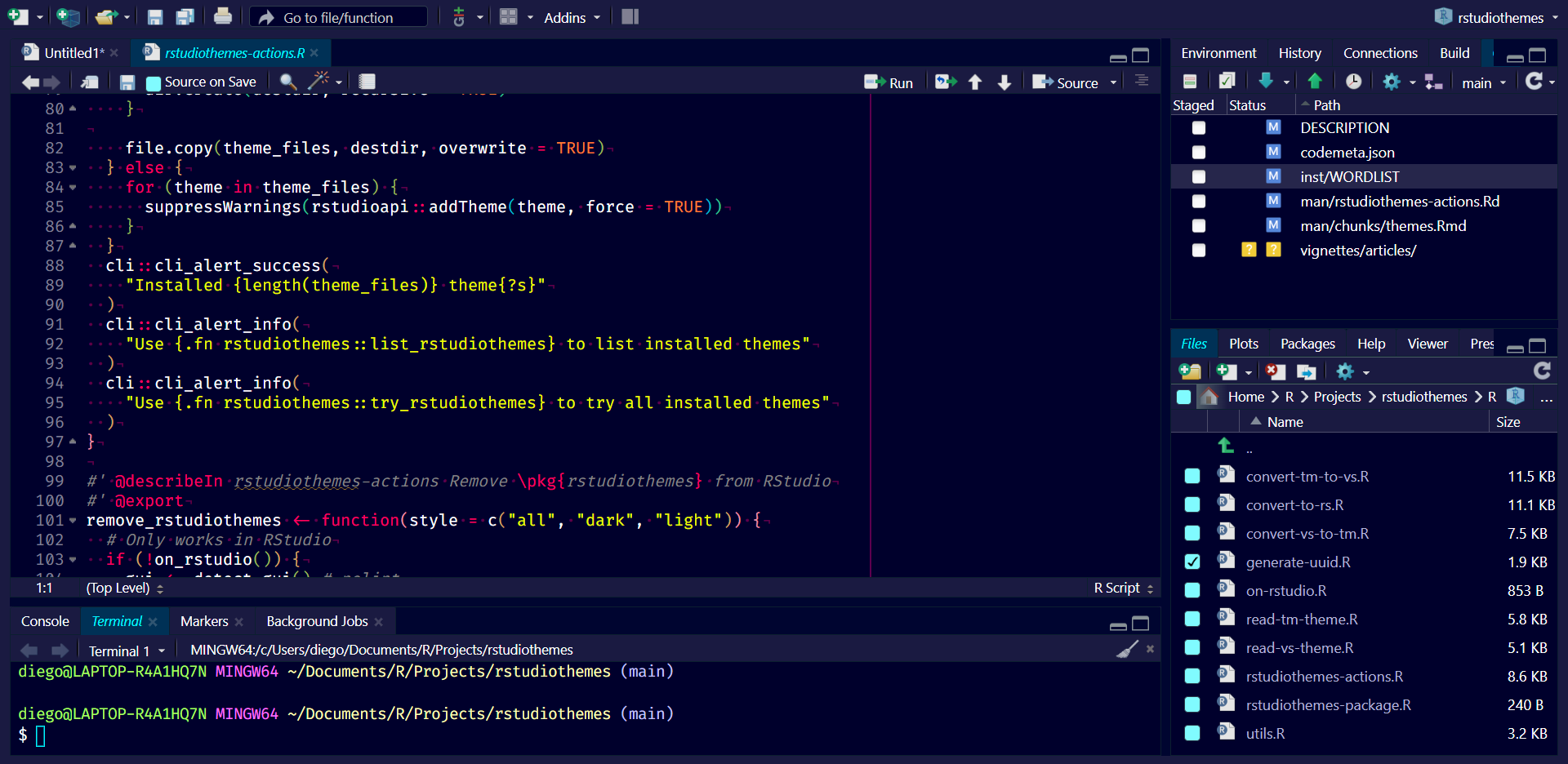
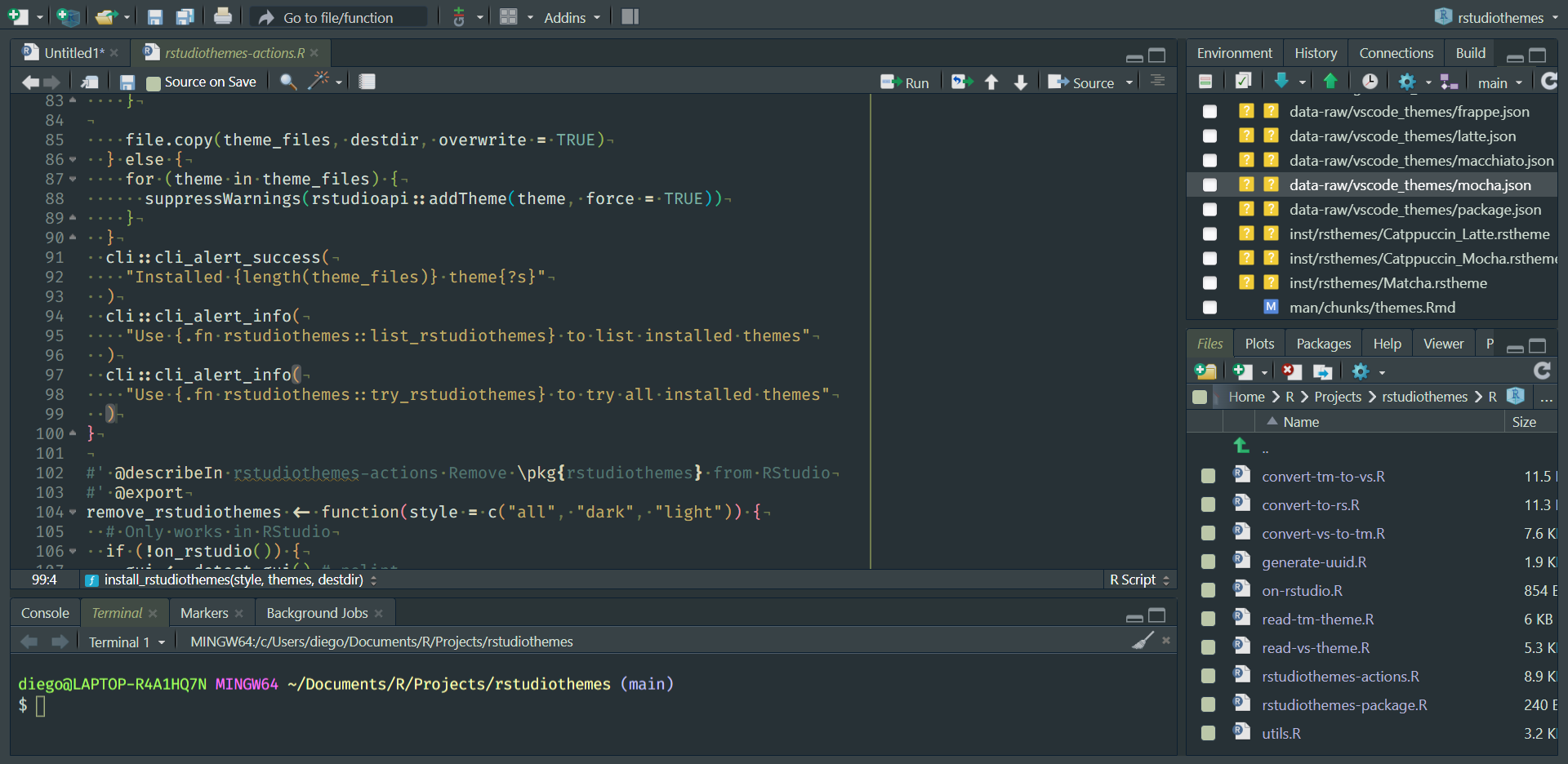
rstudiothemes::install_rstudiothemes()This article previews bundled RStudio themes from rstudiothemes.
Install the bundled themes with:
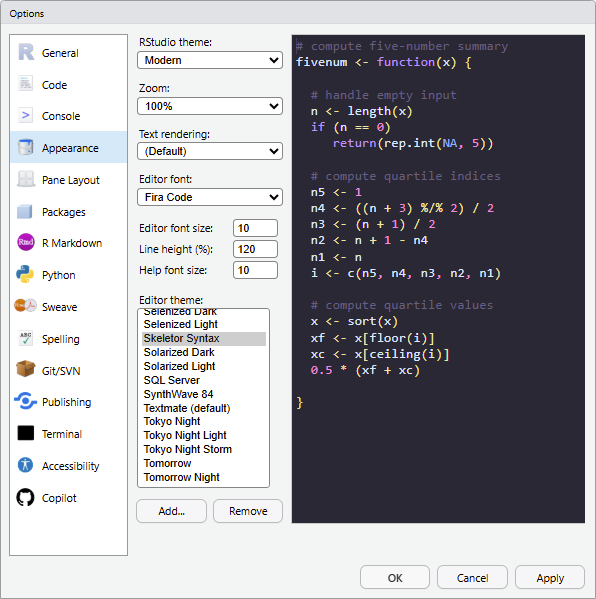
The bundled themes are also distributed in a single .zip file: dist/rstudiothemes.zip. Unzip the file and install the themes using the RStudio IDE interface.
In RStudio, choose Tools > Global Options > Appearance > Add.
Lightbox gallery
Click an image to enlarge it.
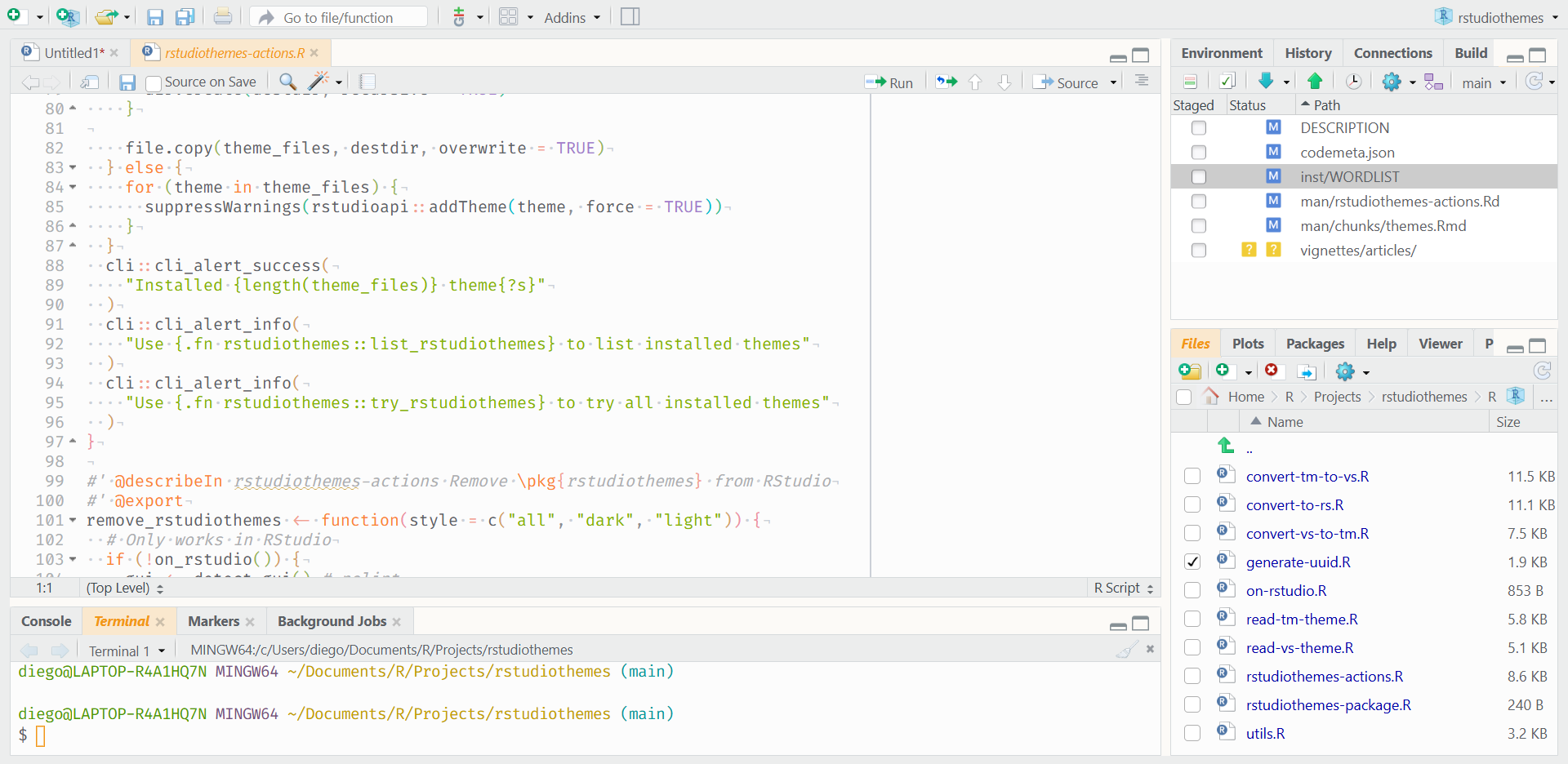
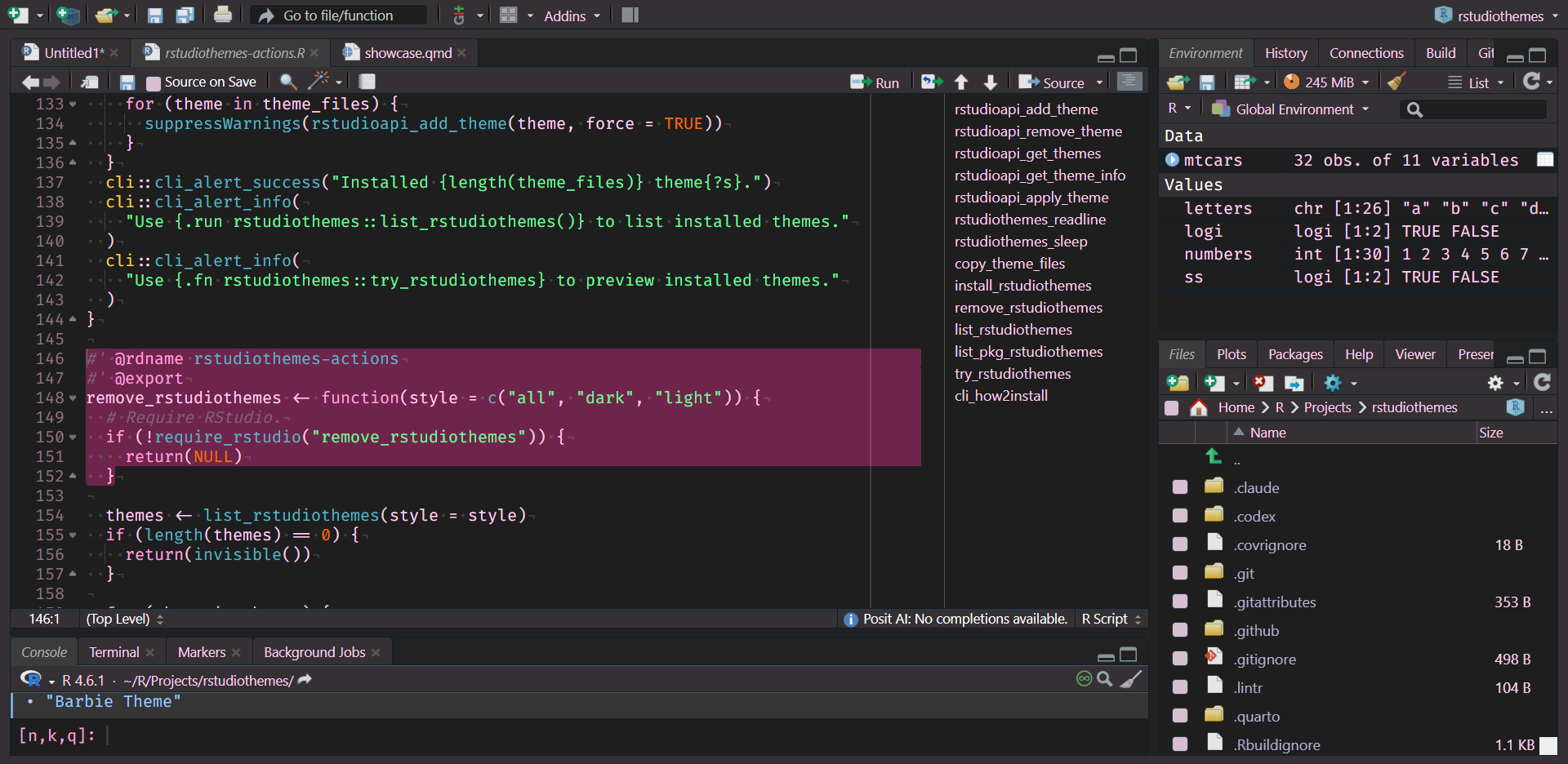
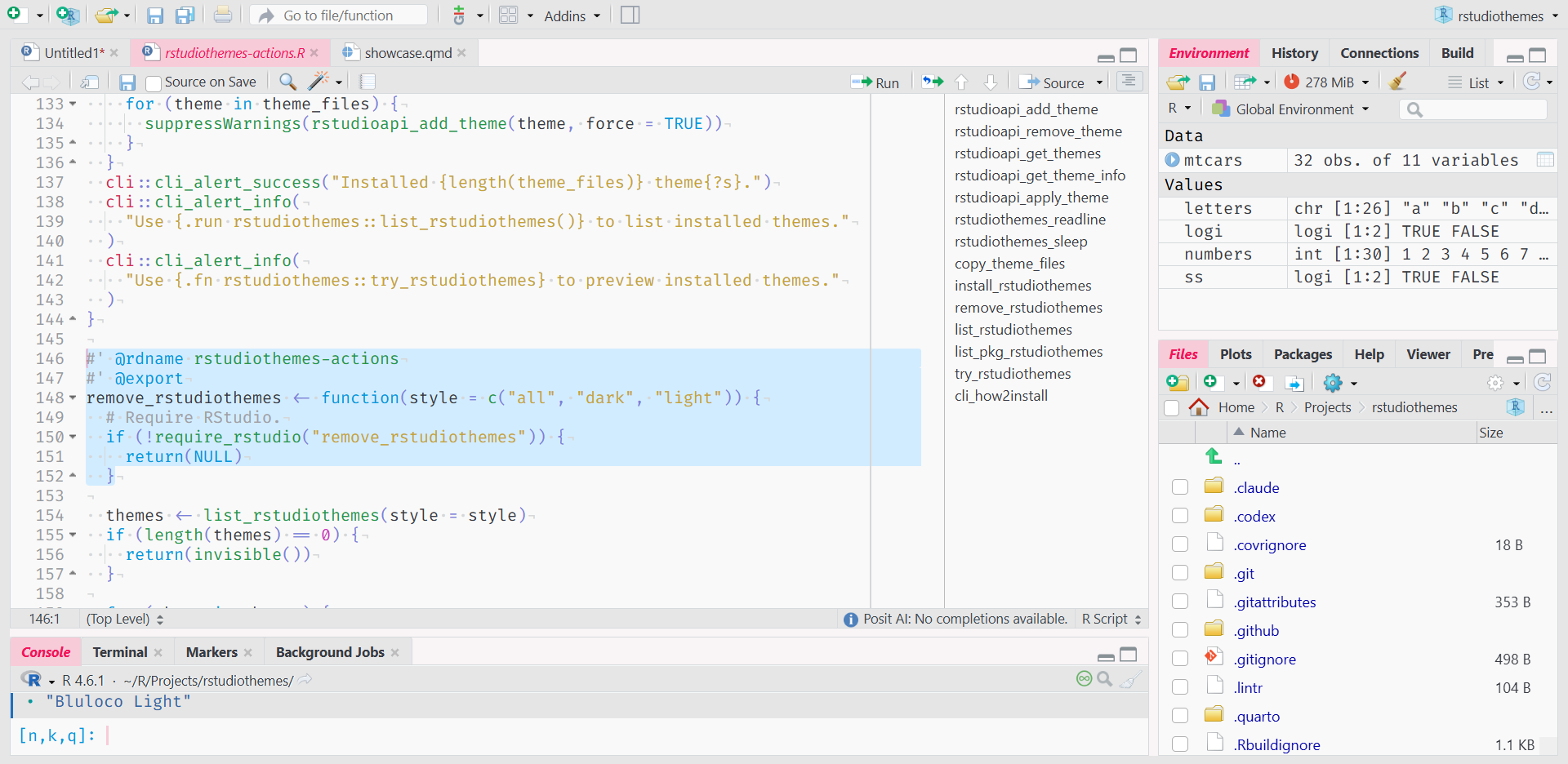
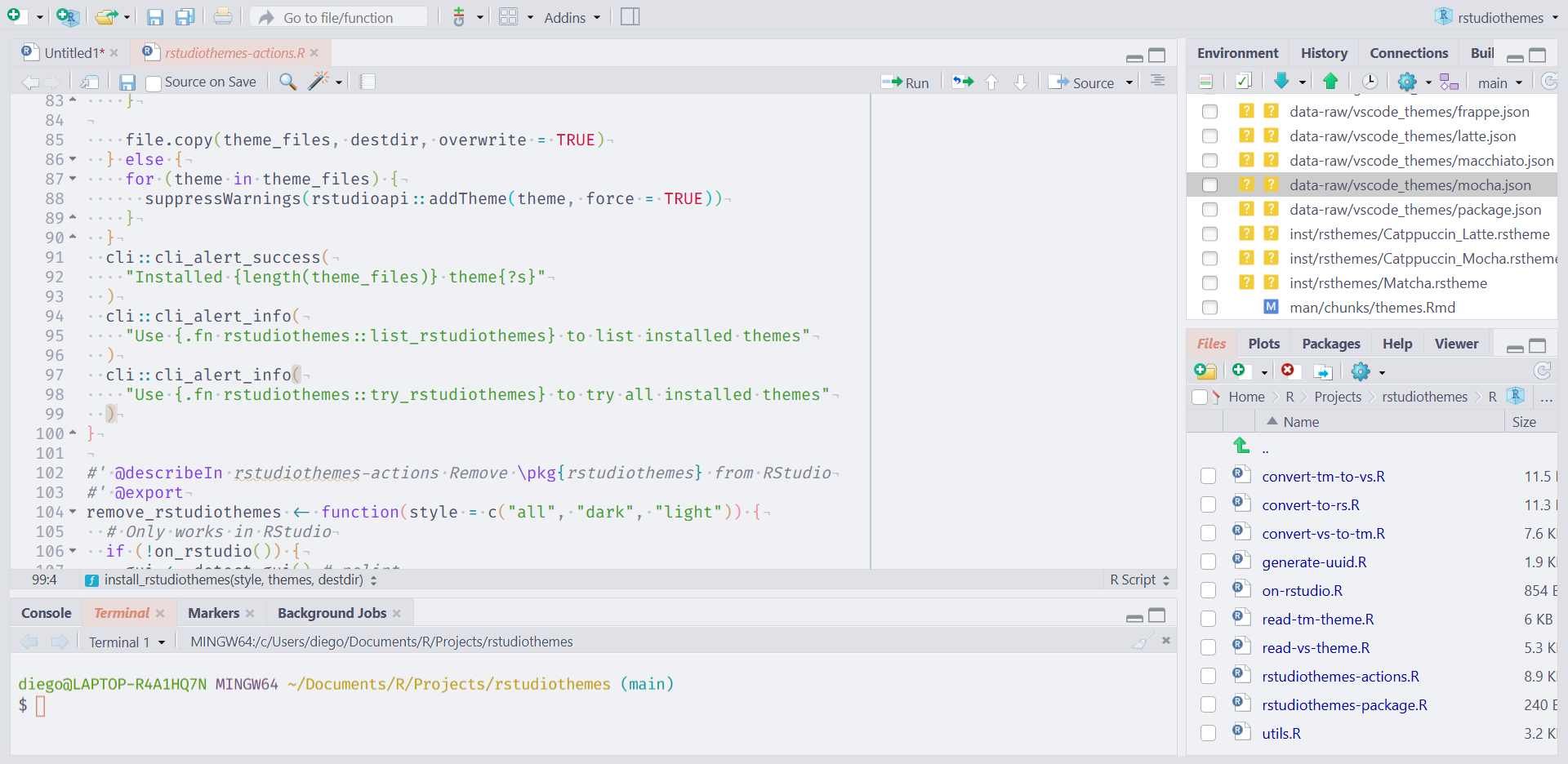
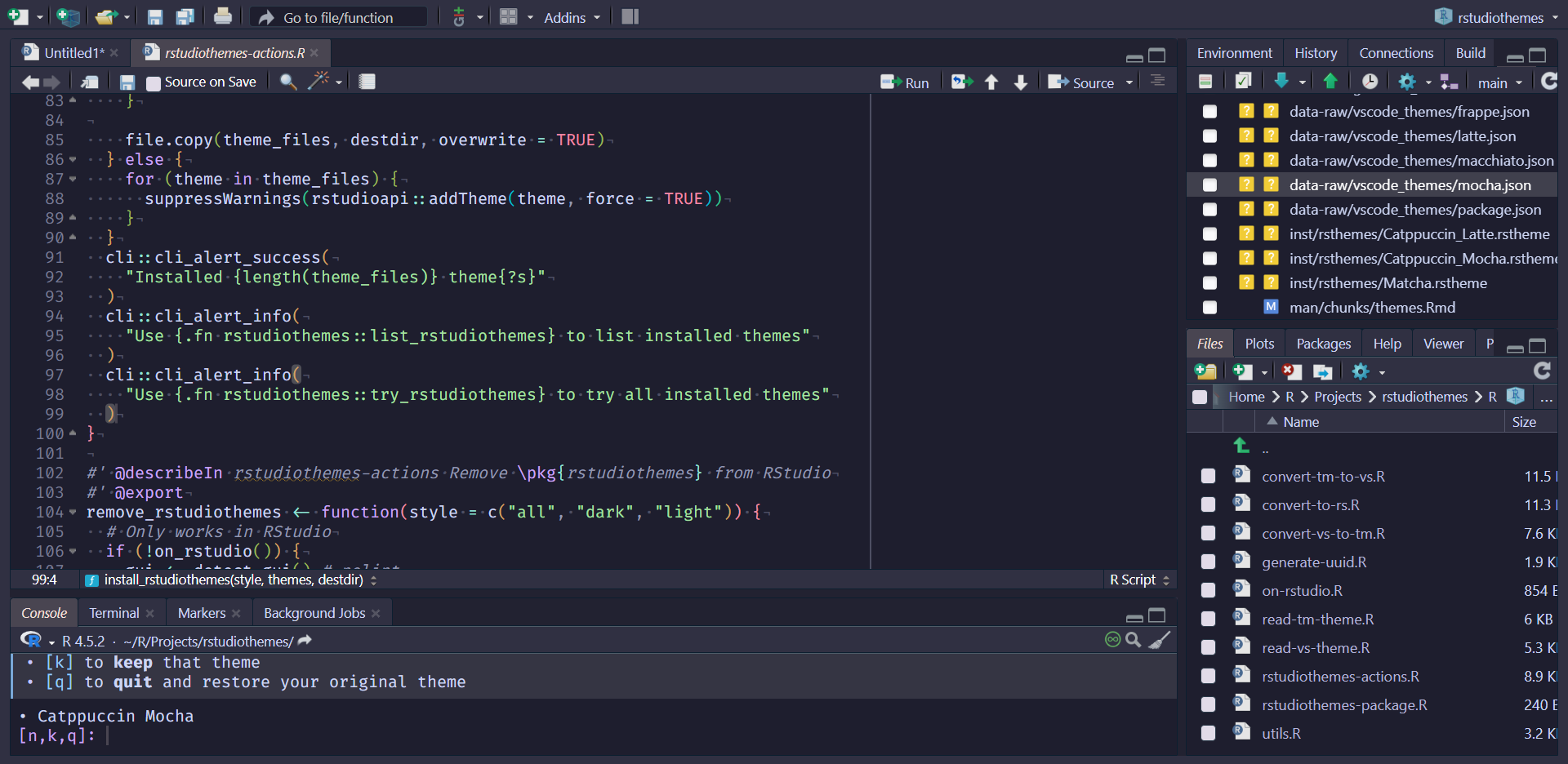
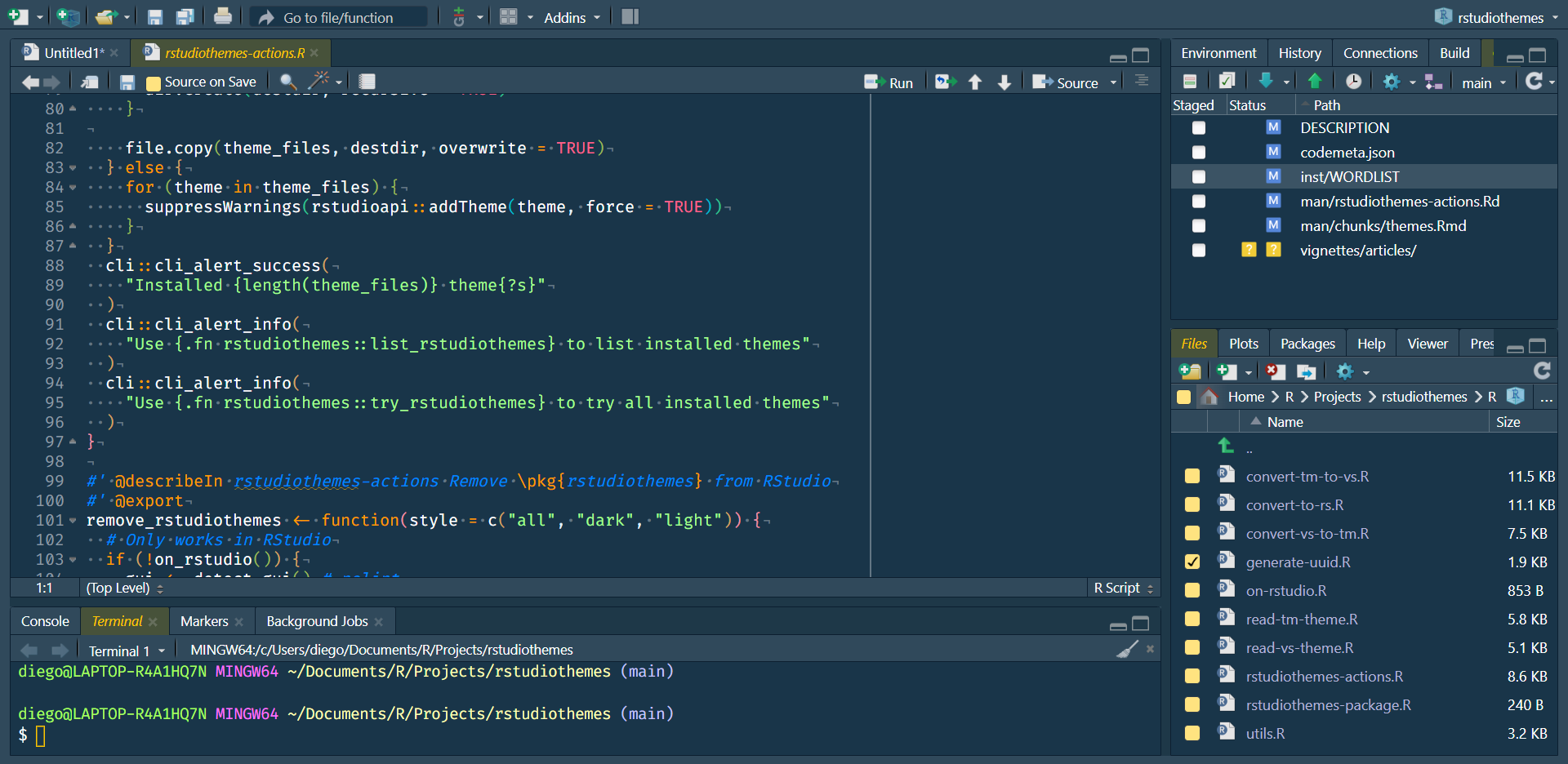
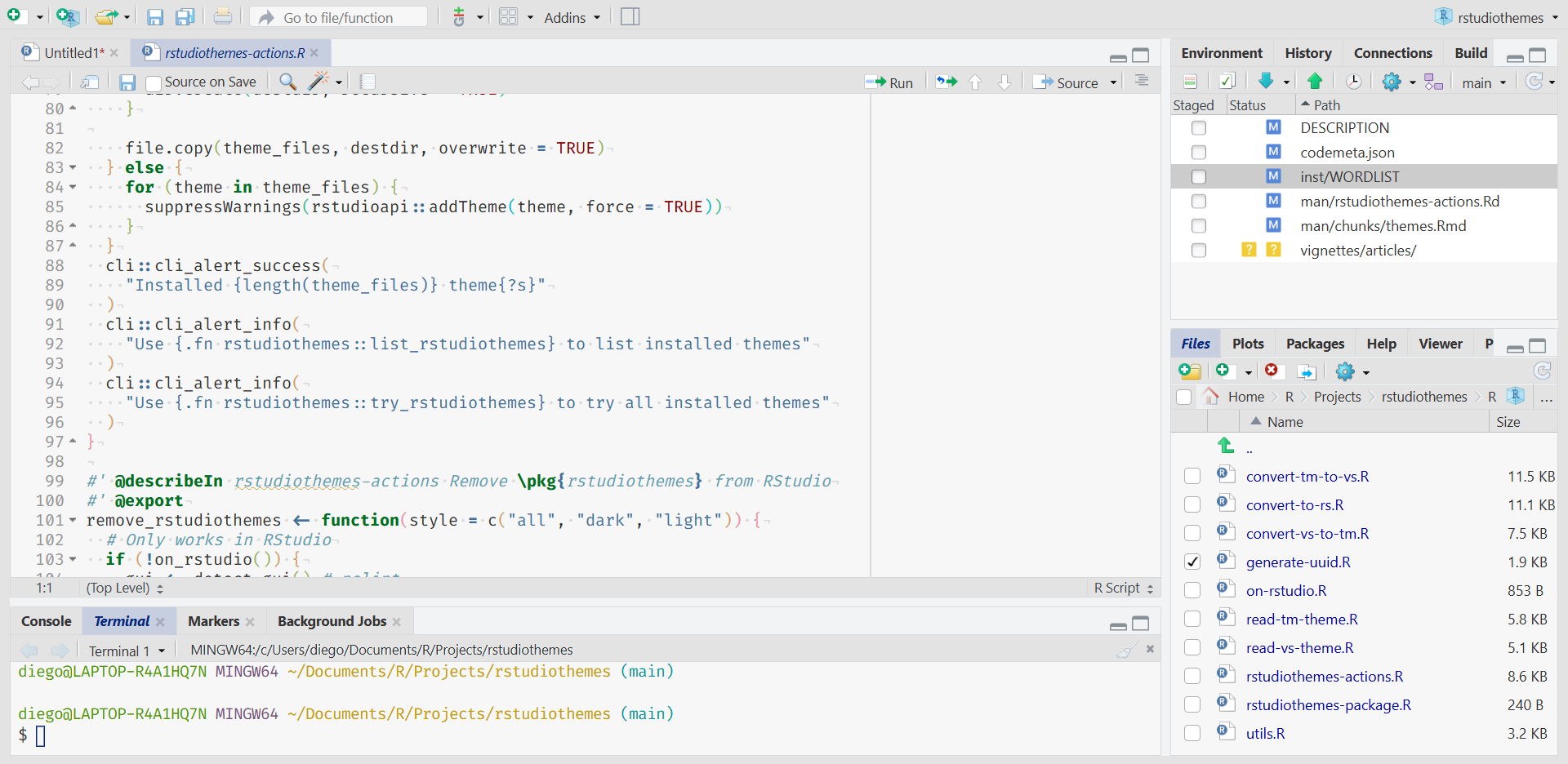
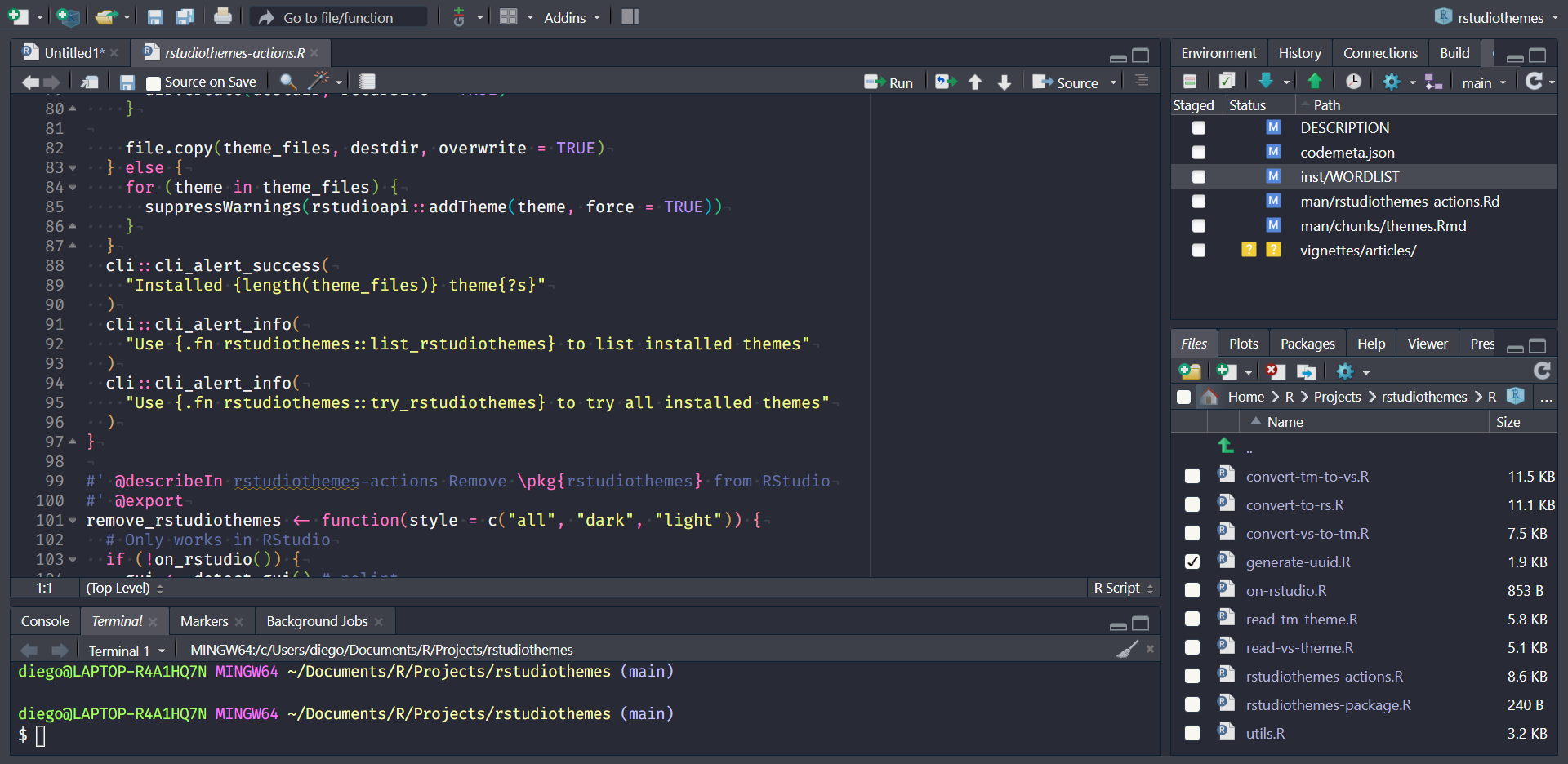
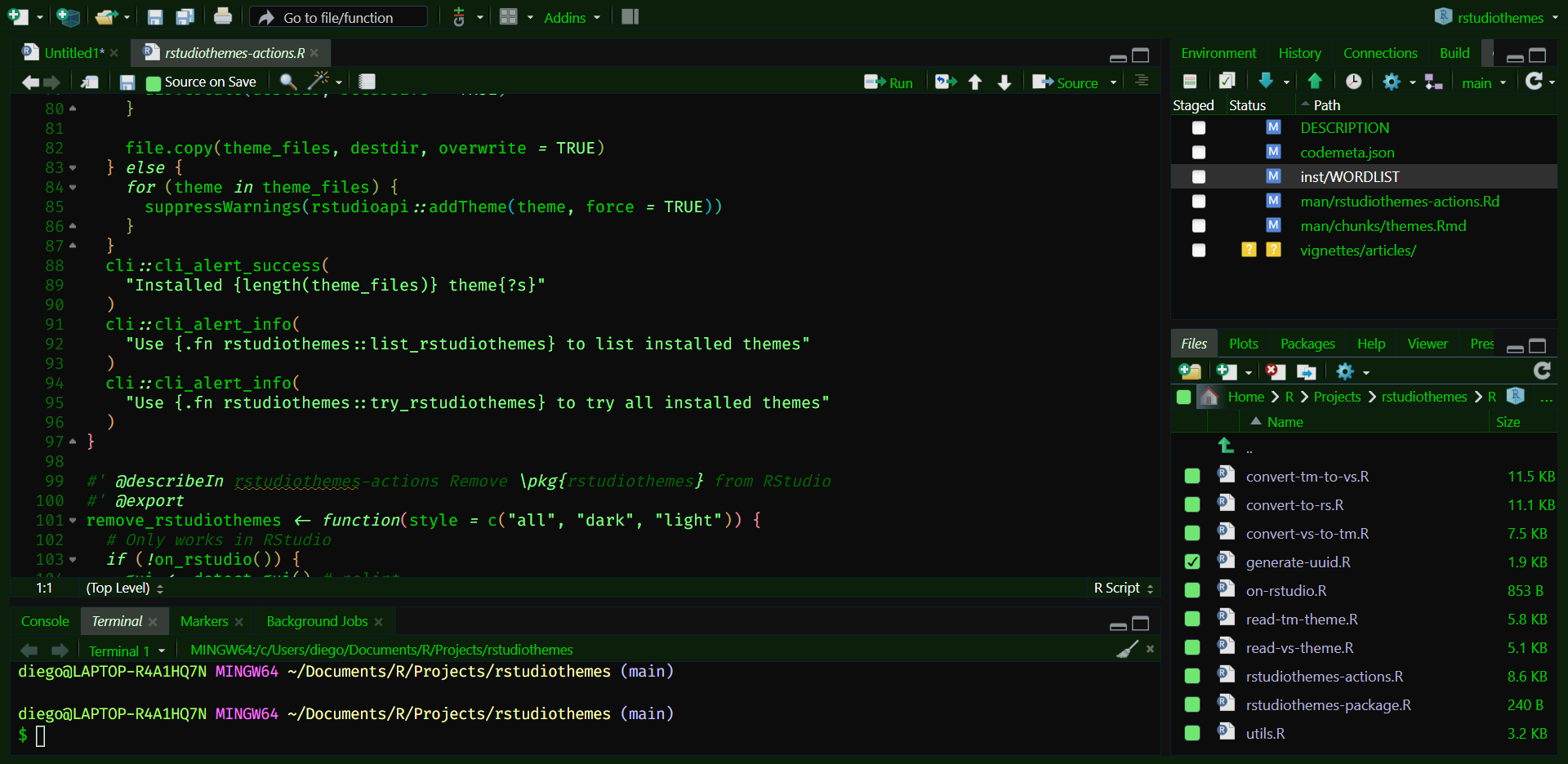
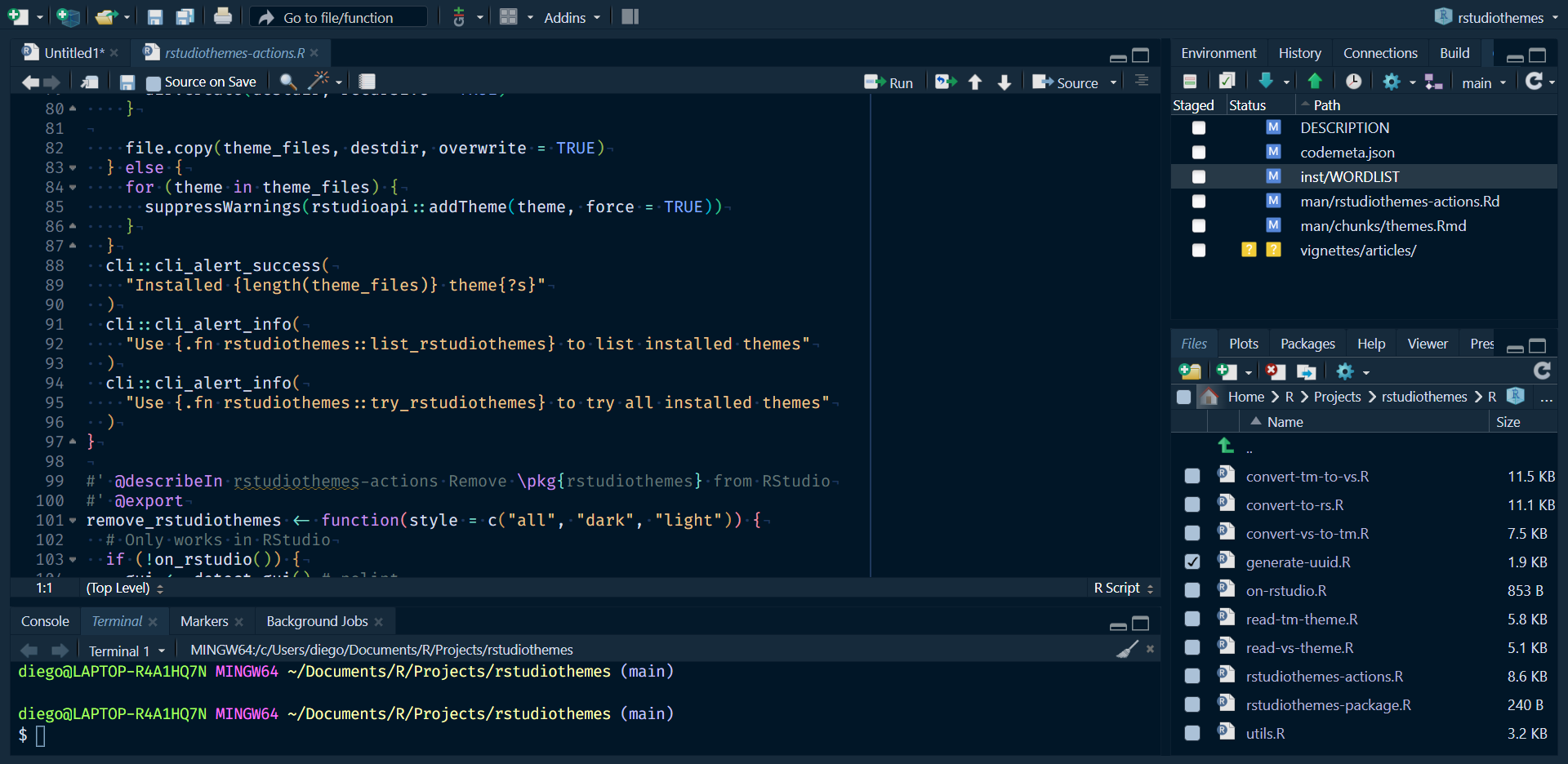
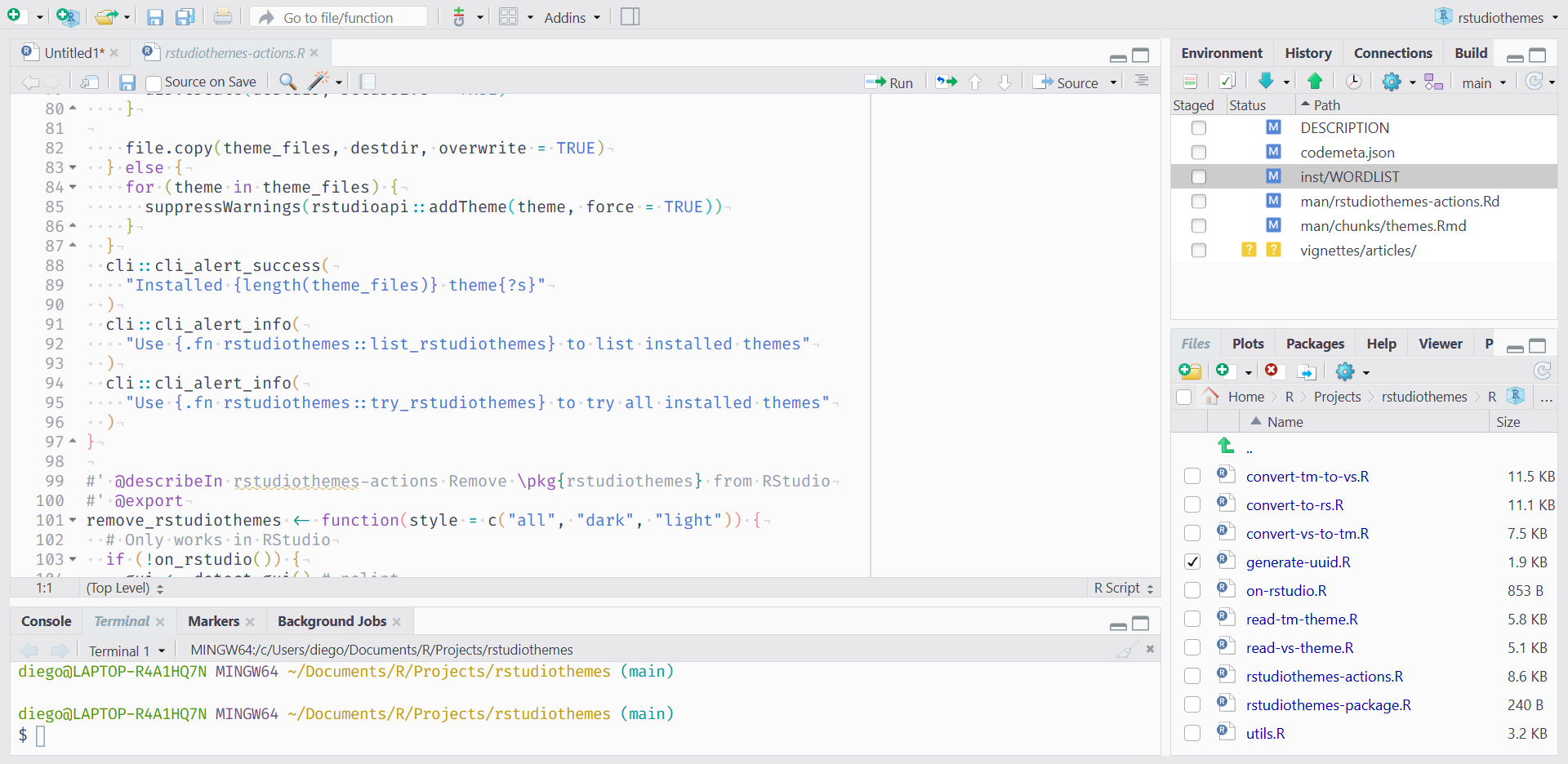
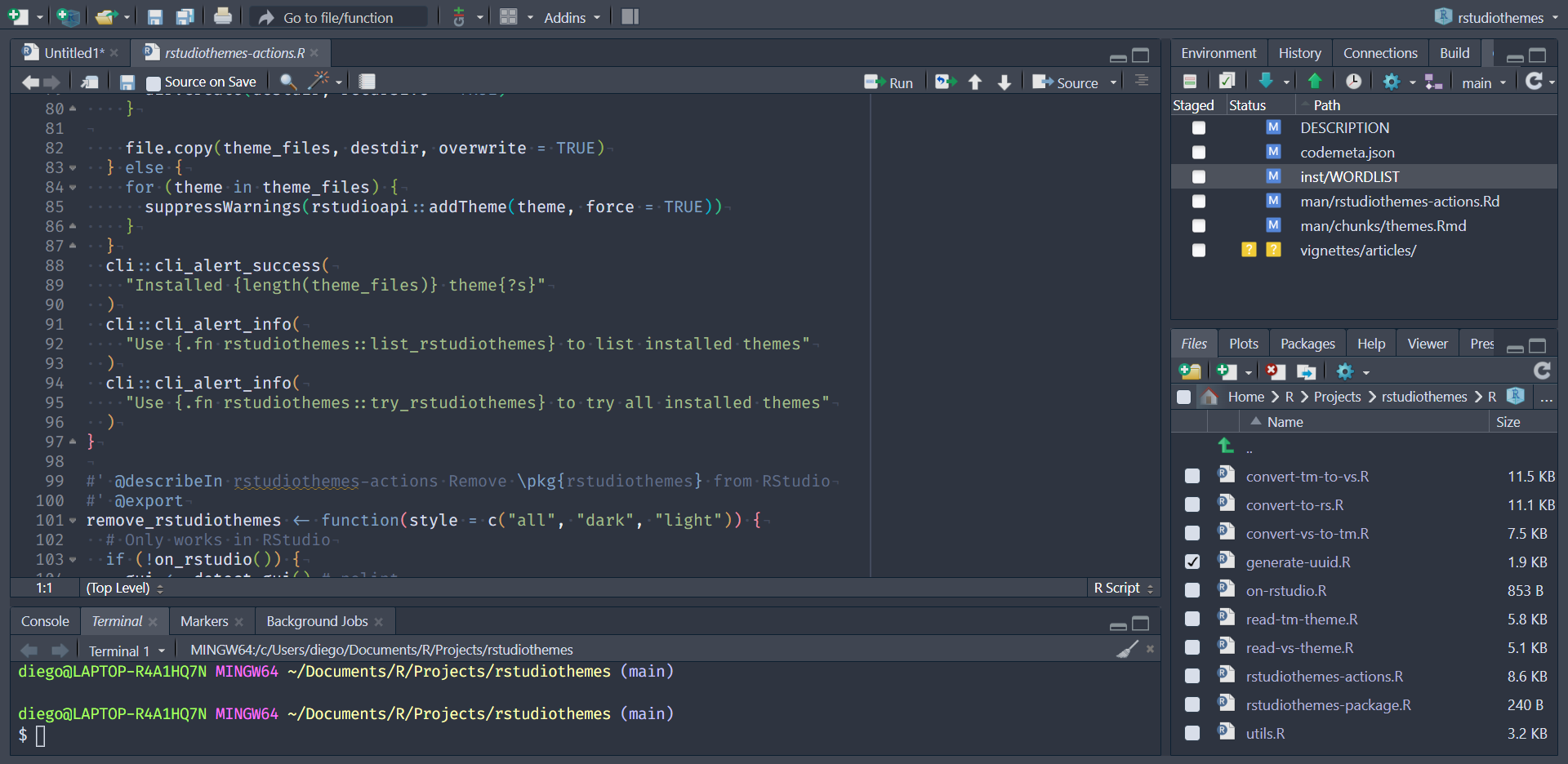
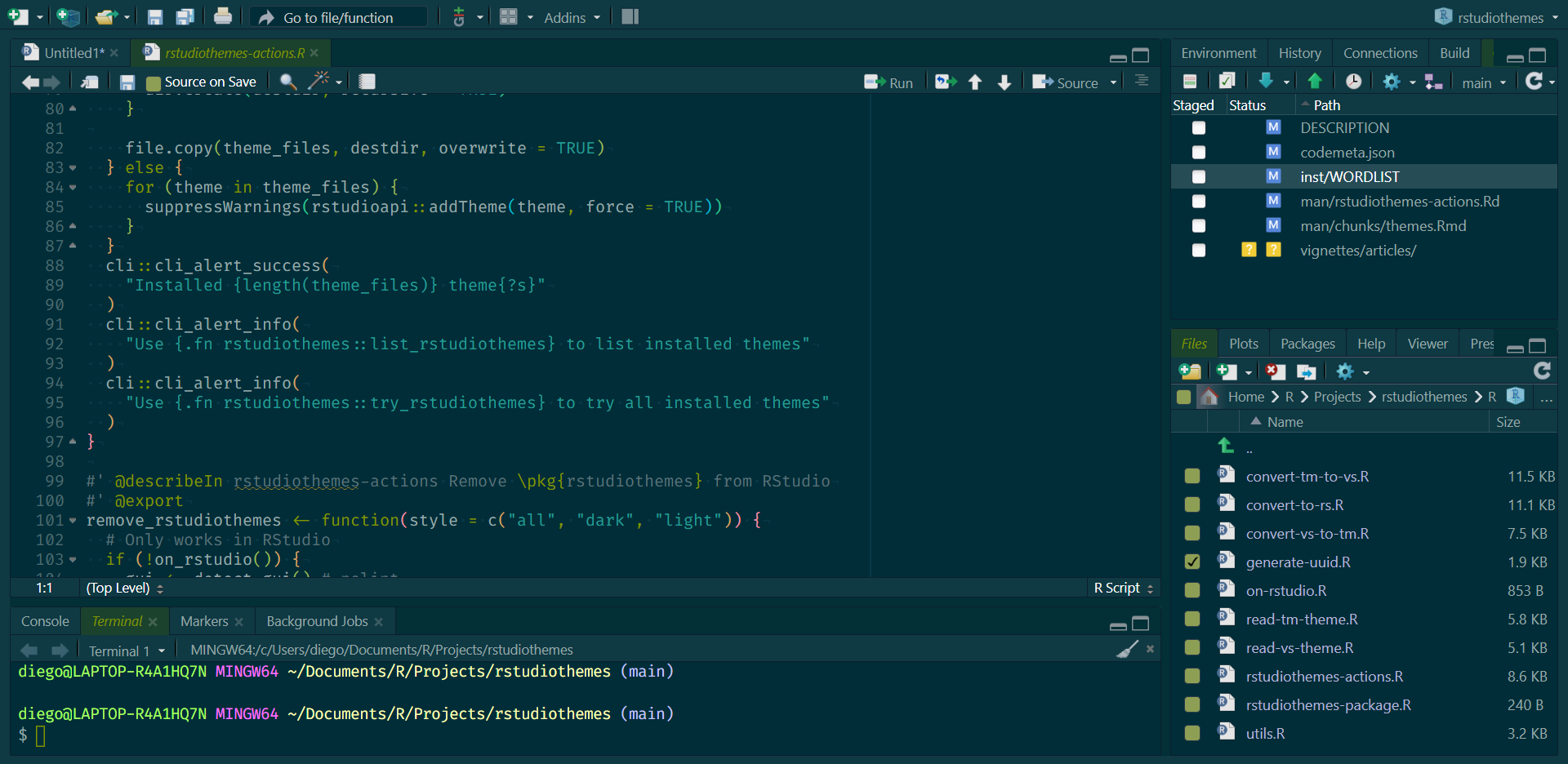
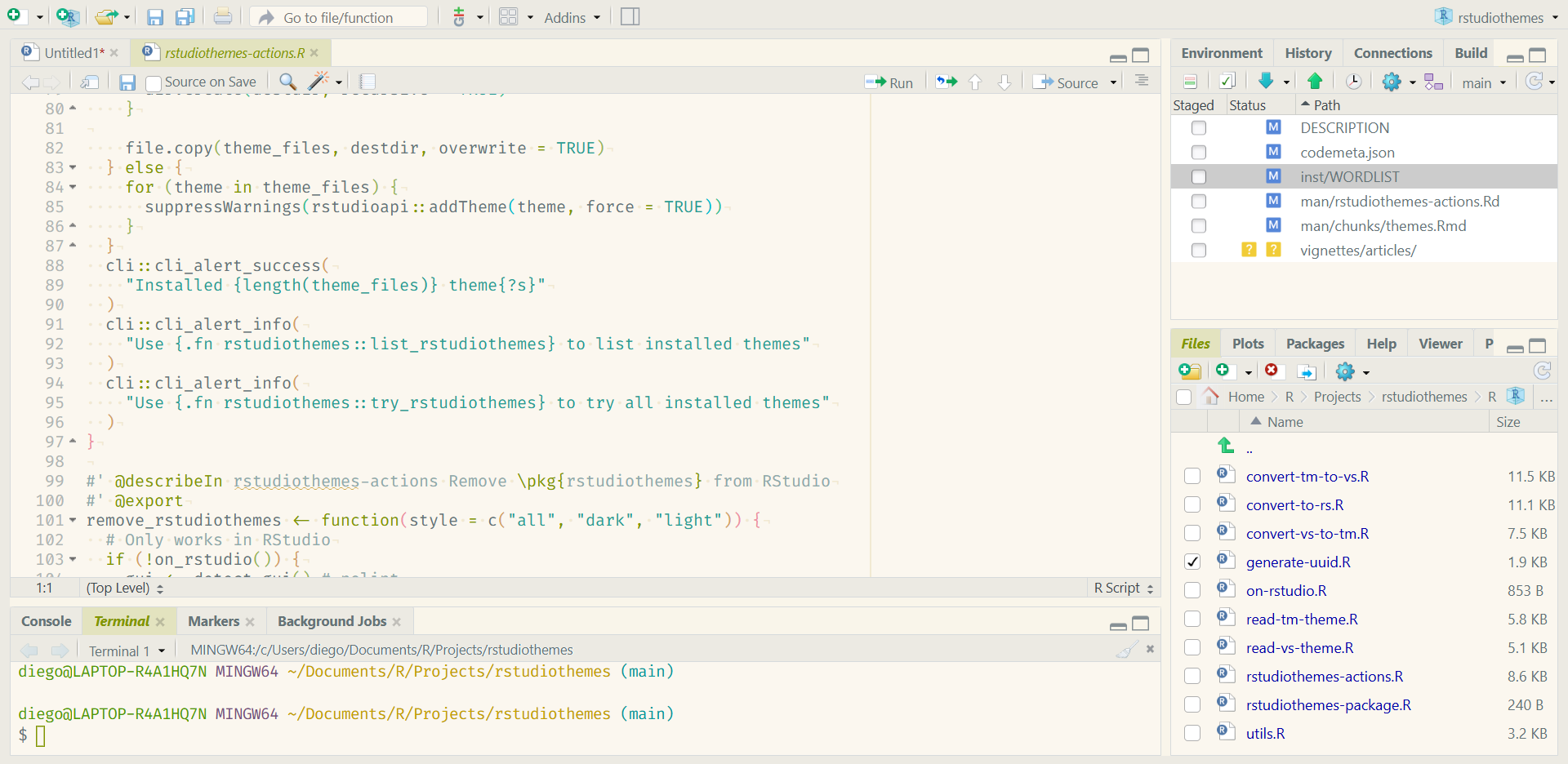
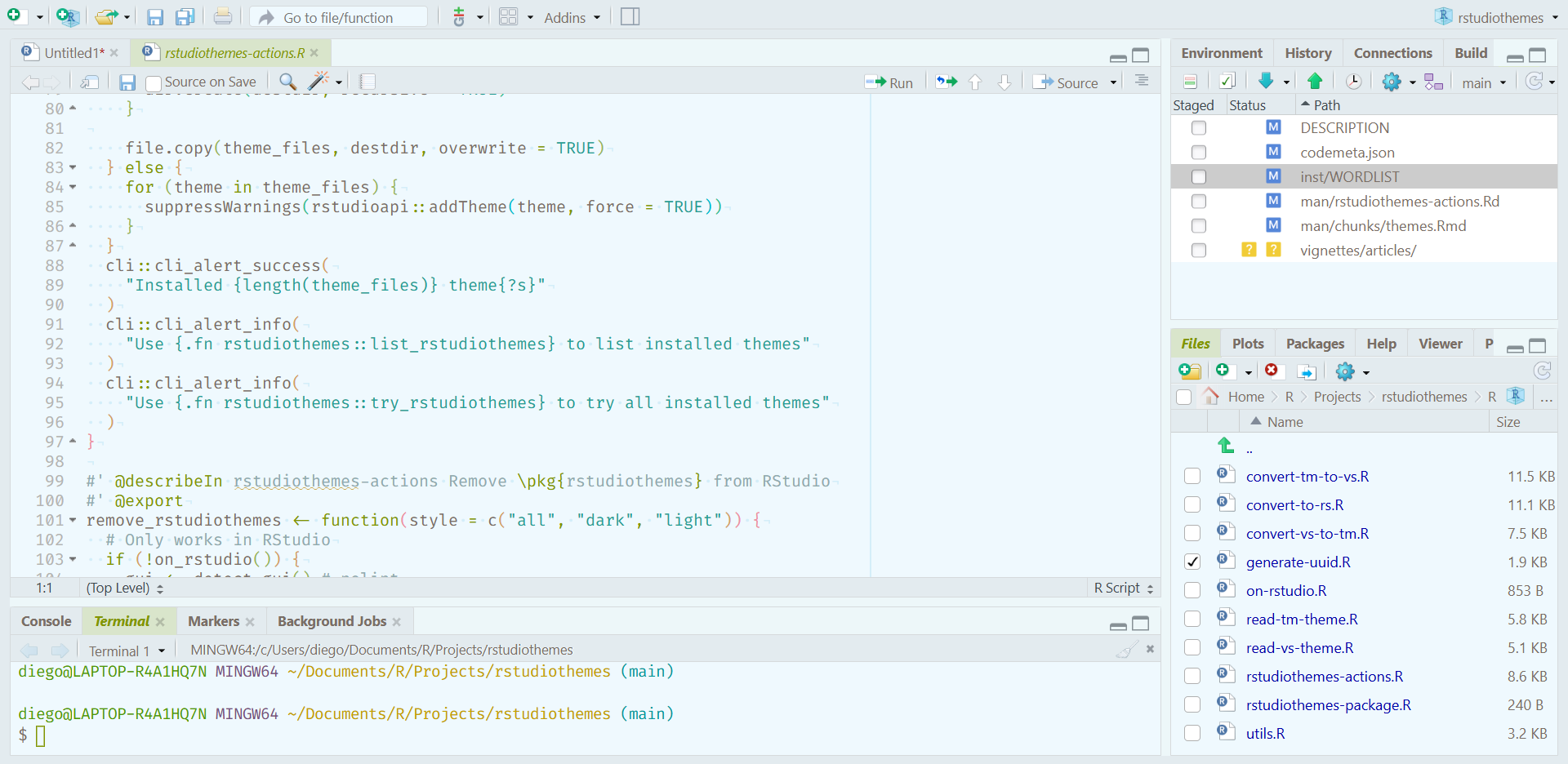
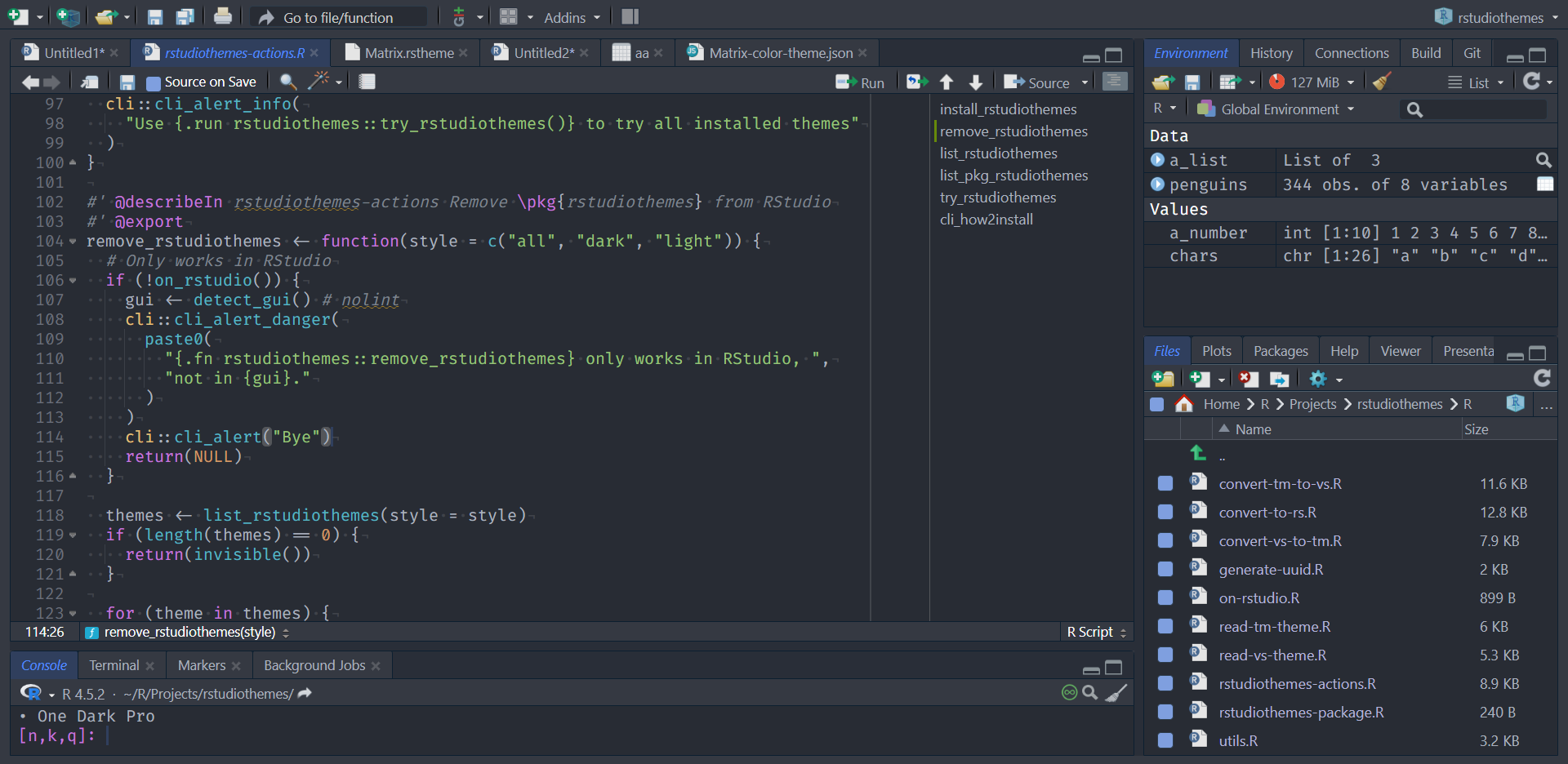
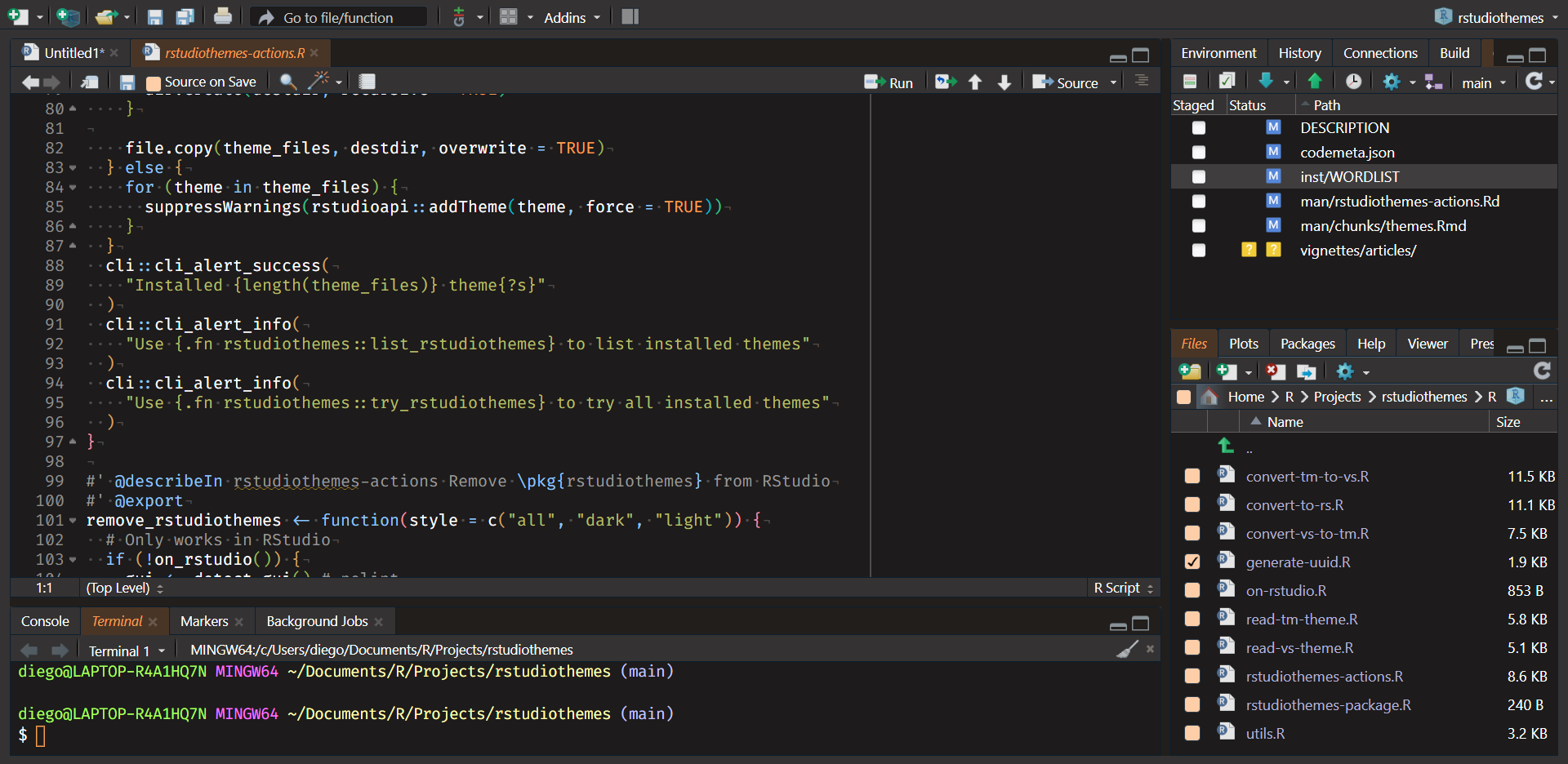
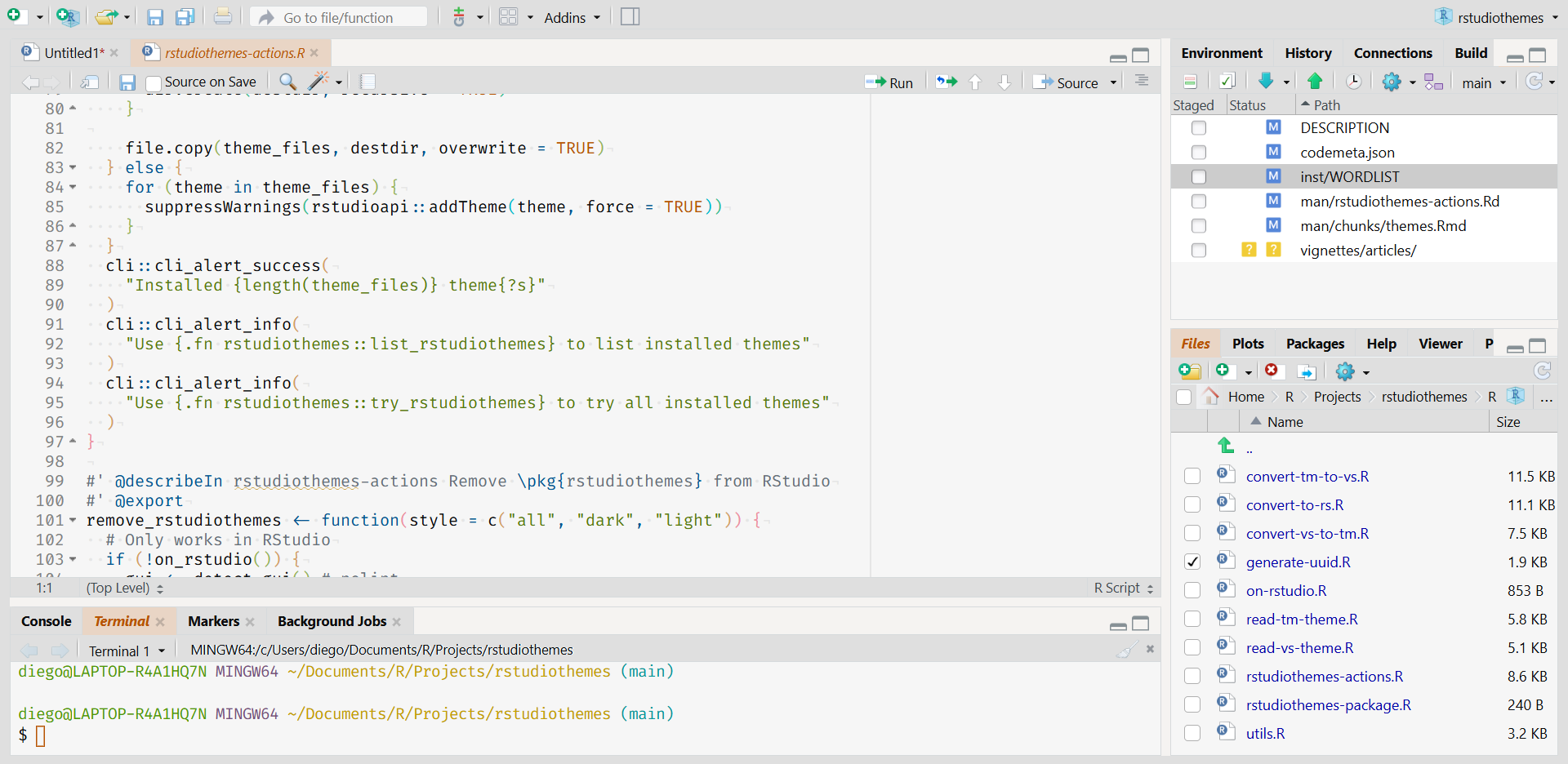
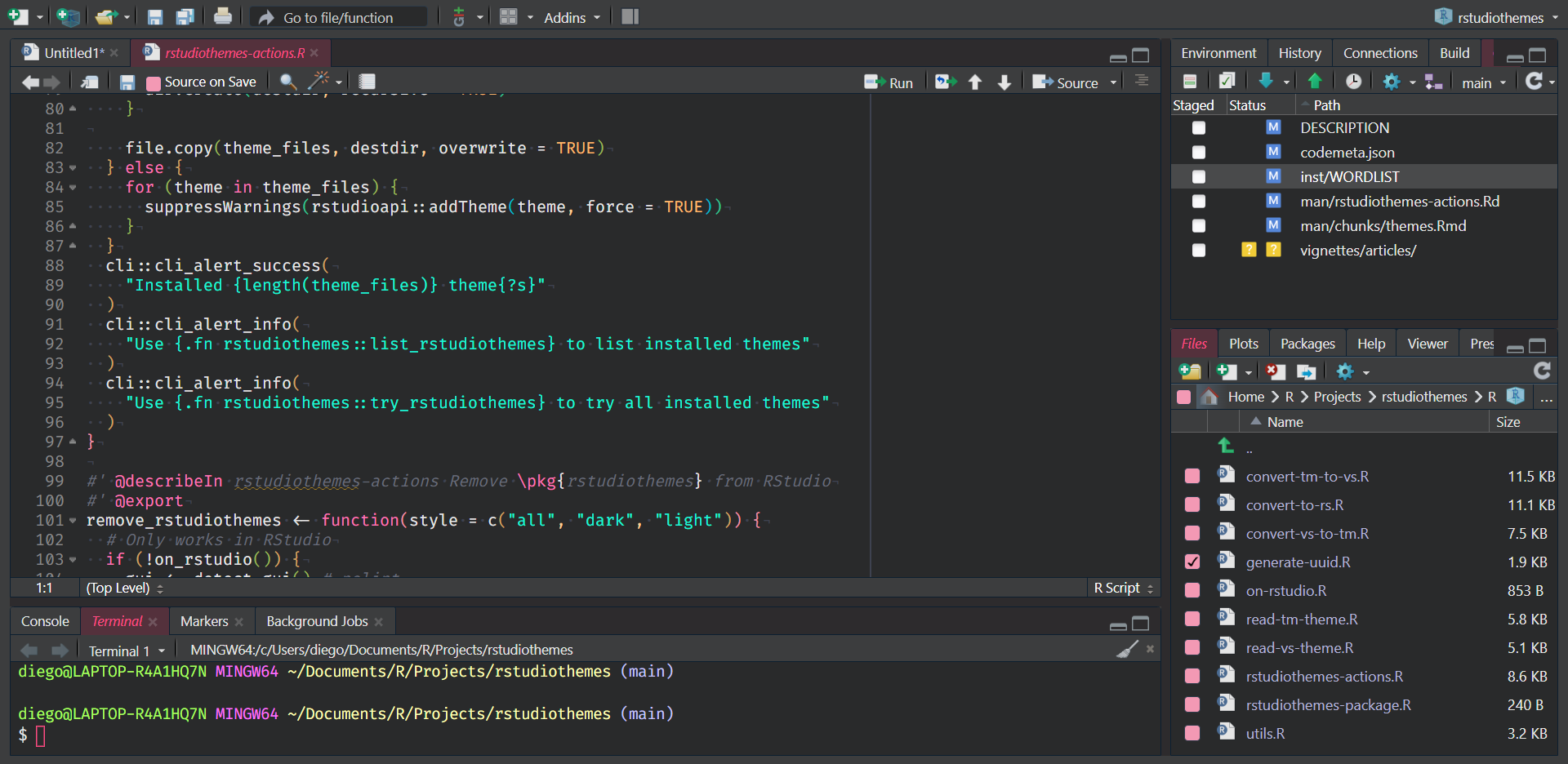
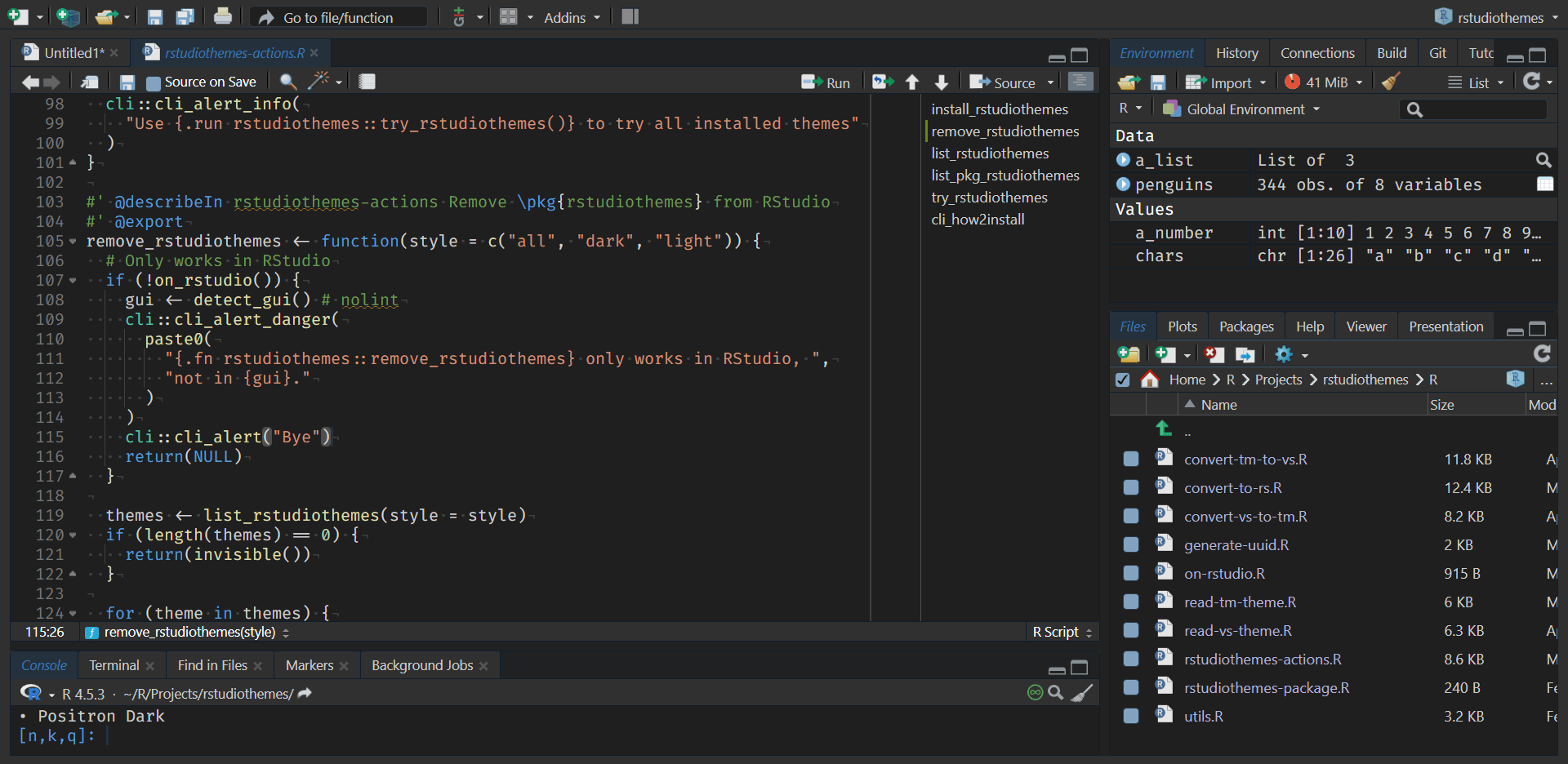
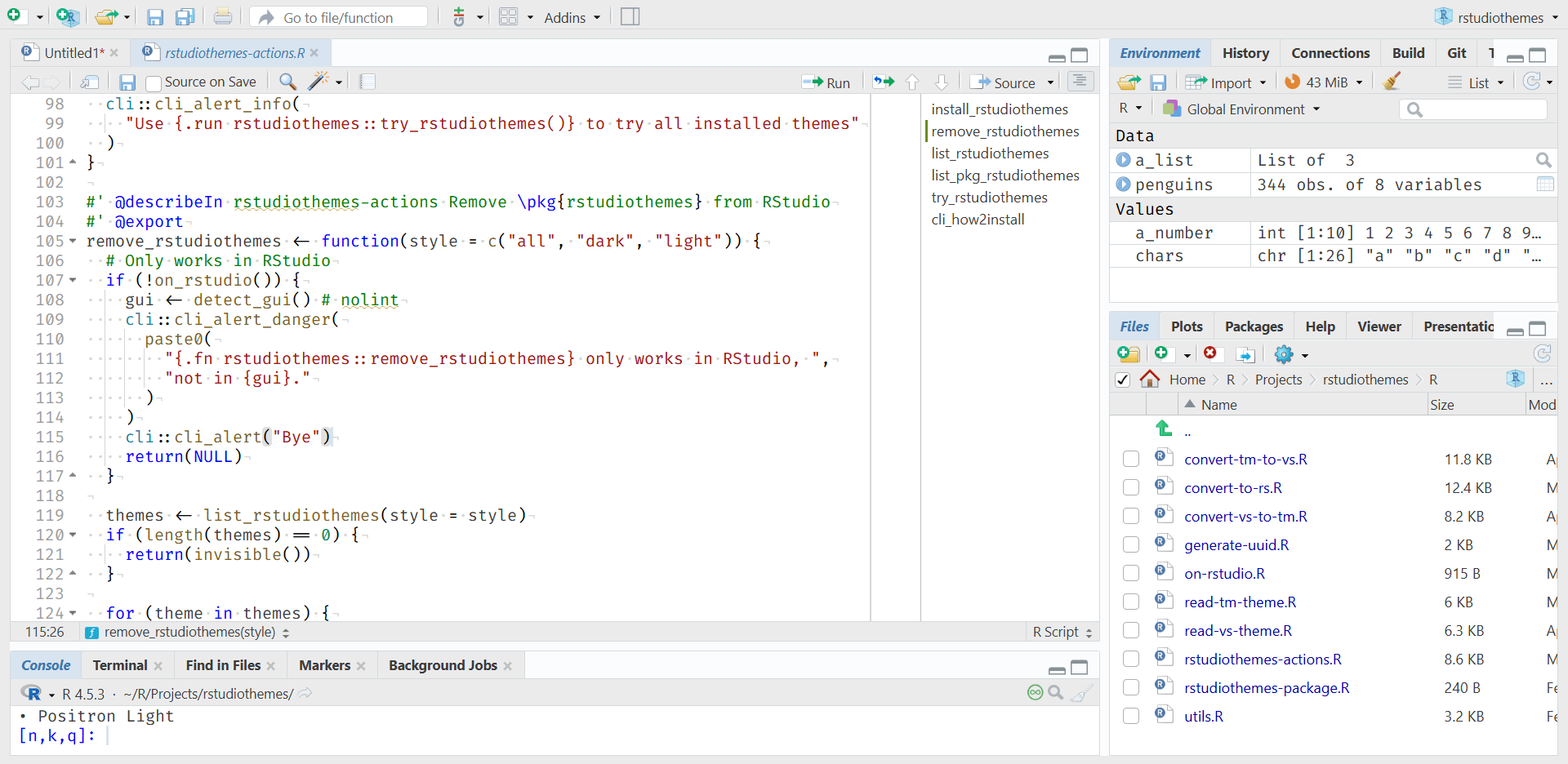
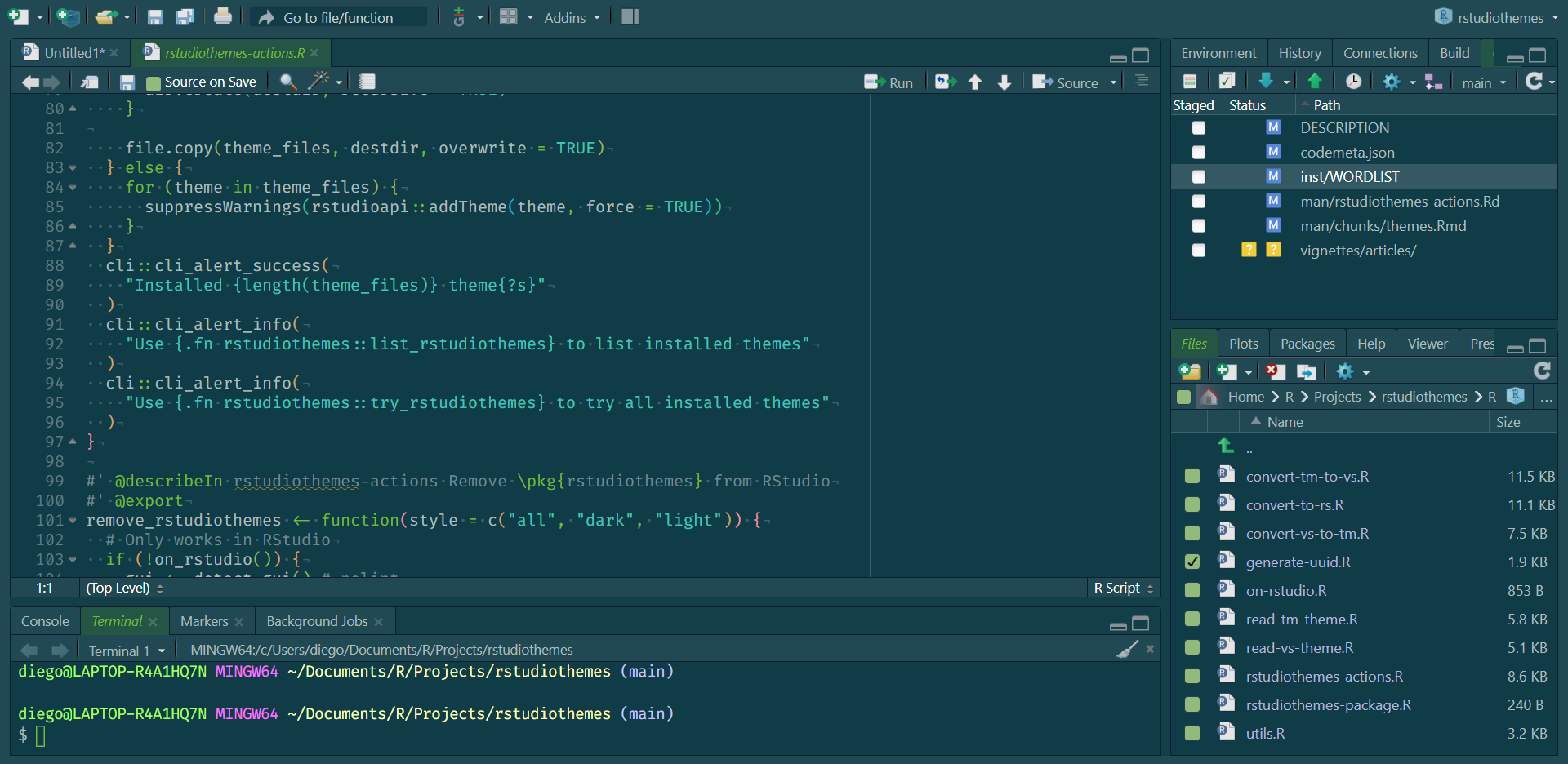
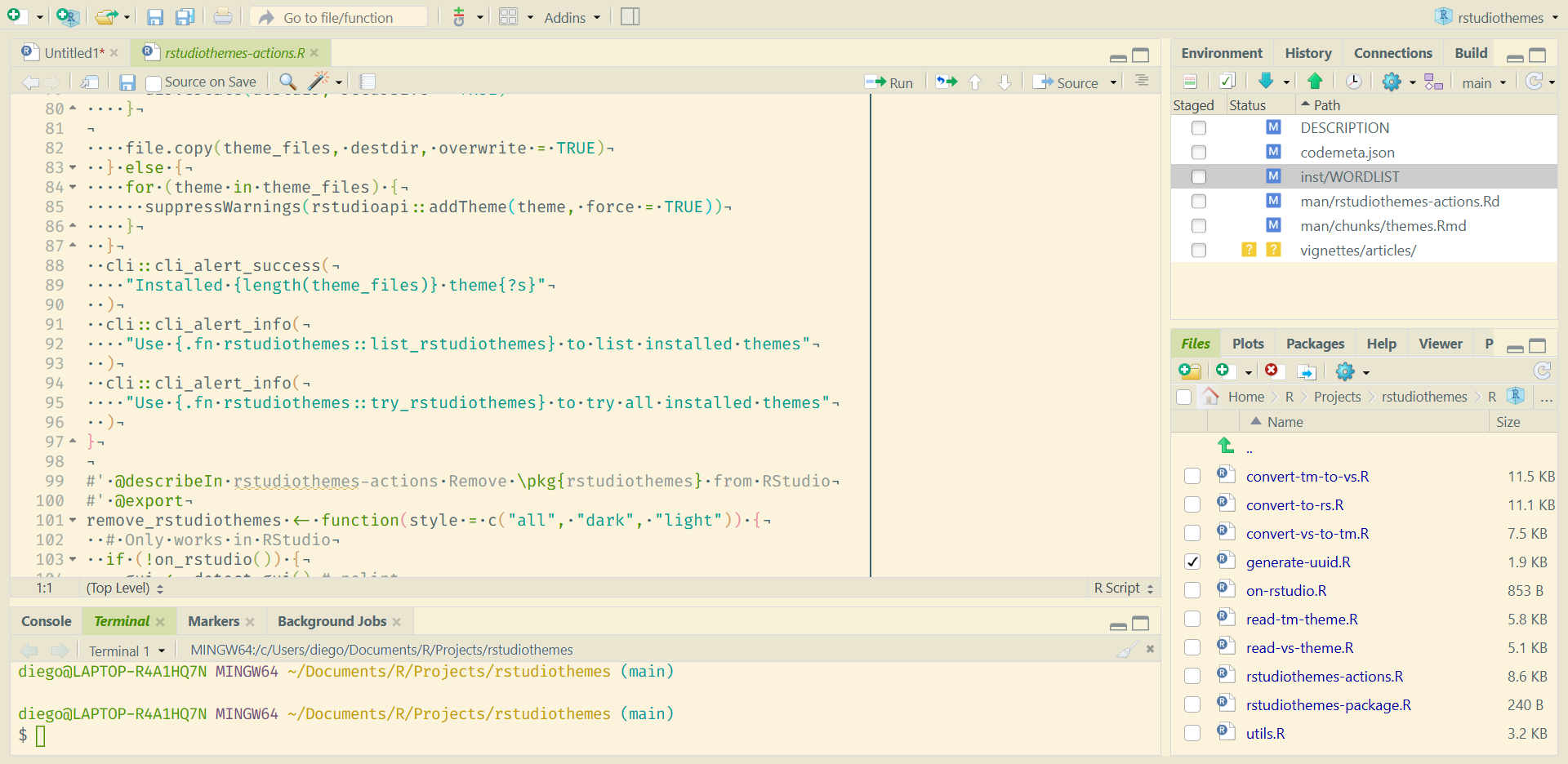
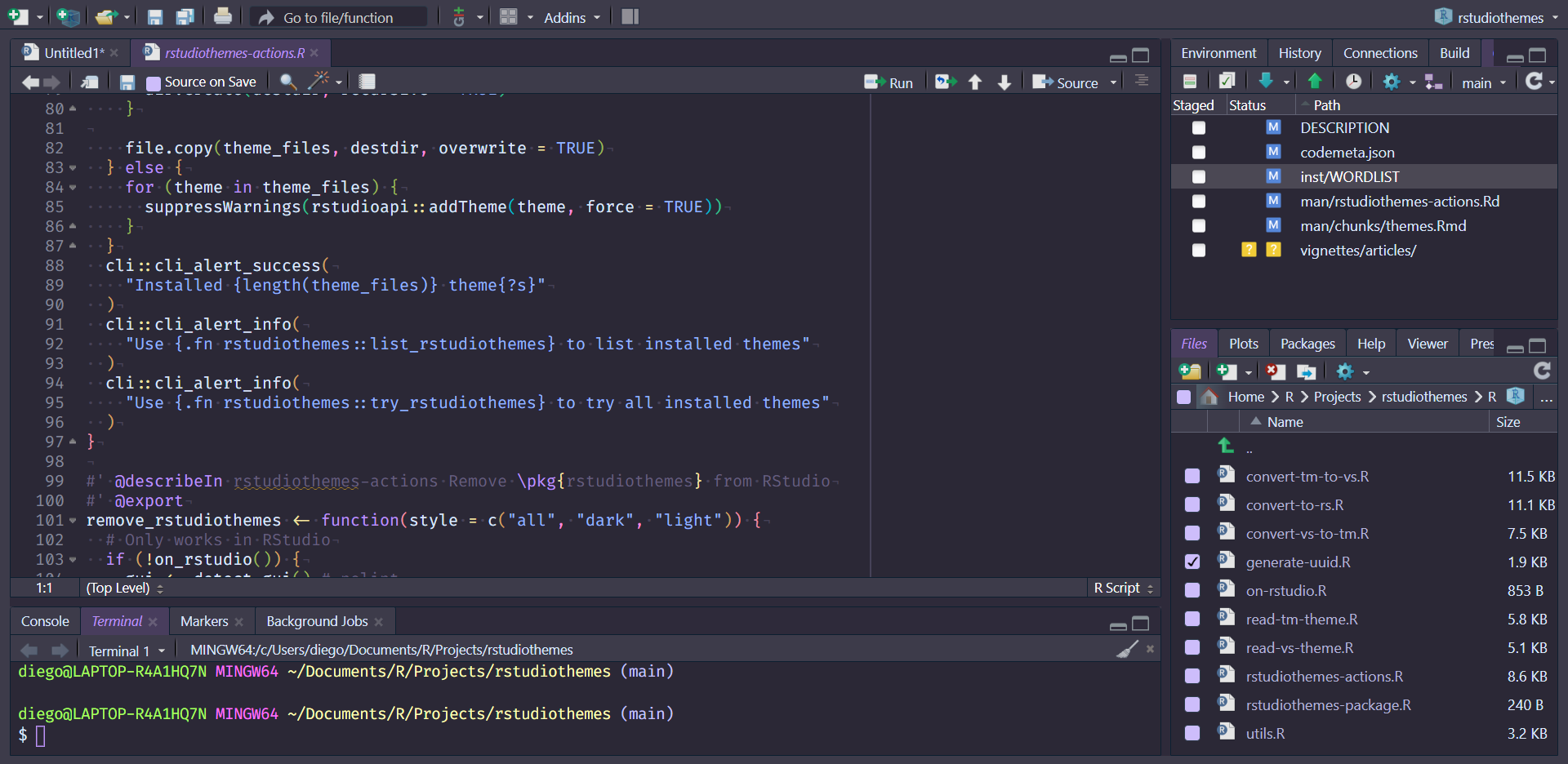
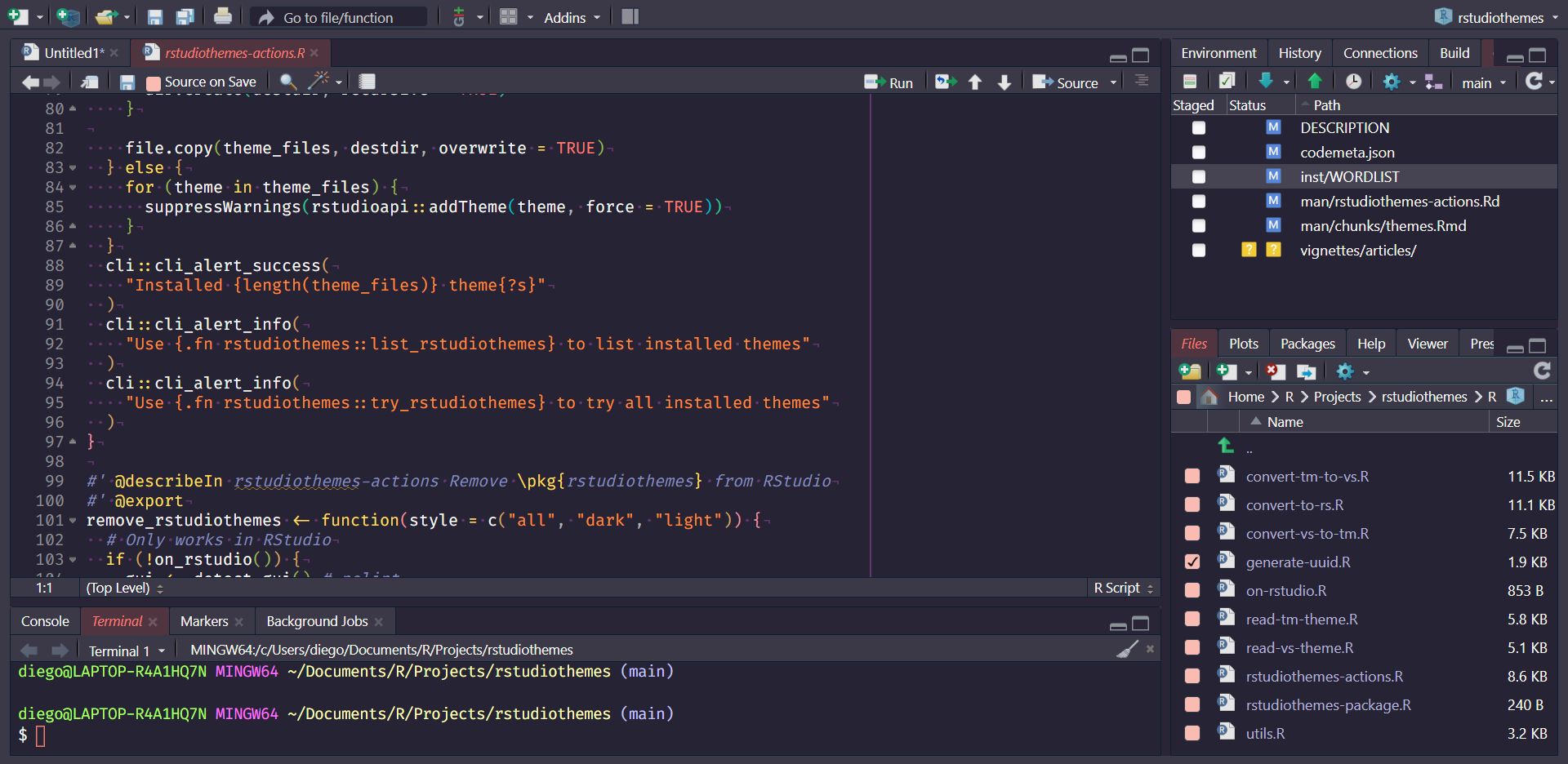
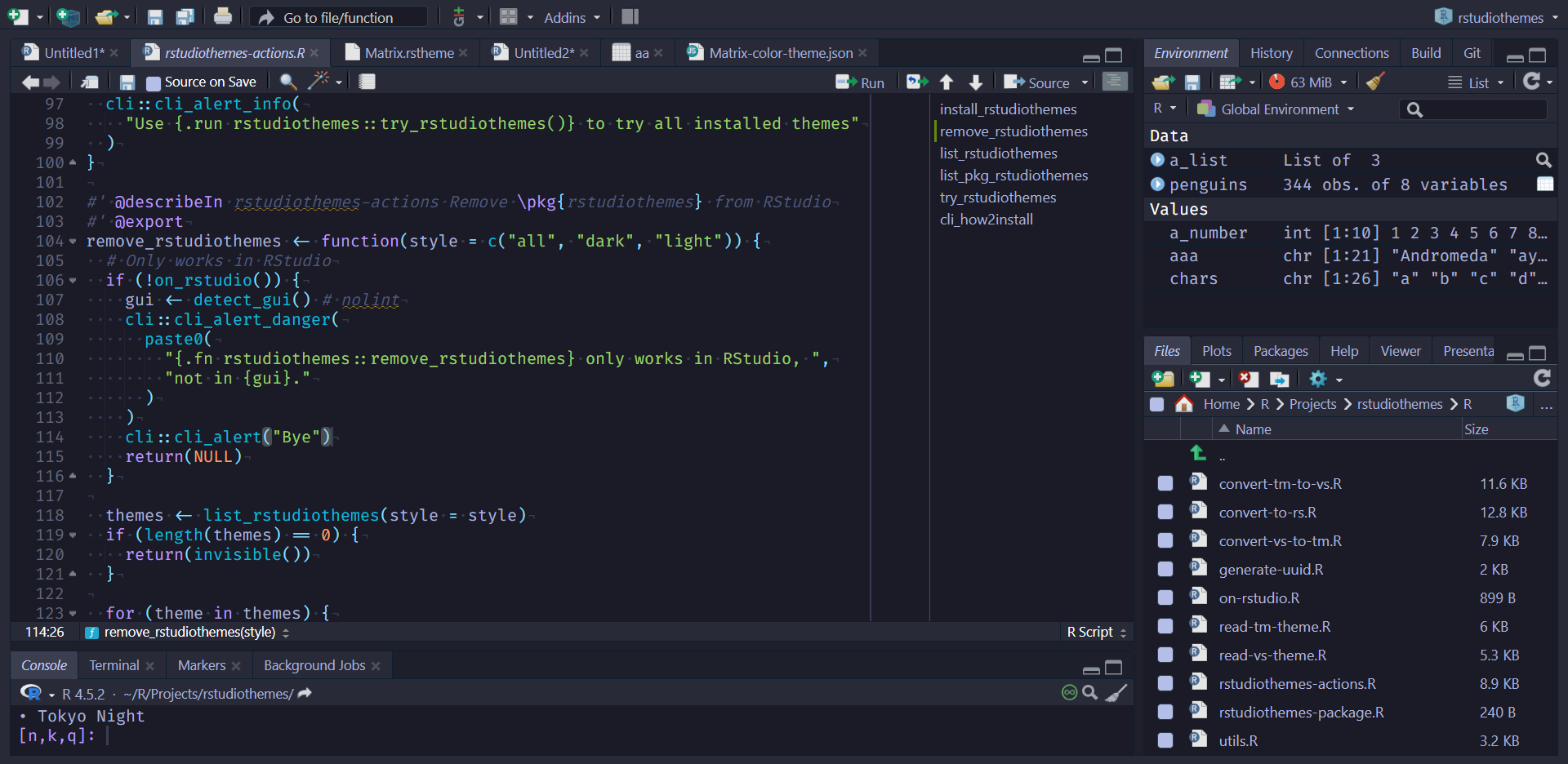
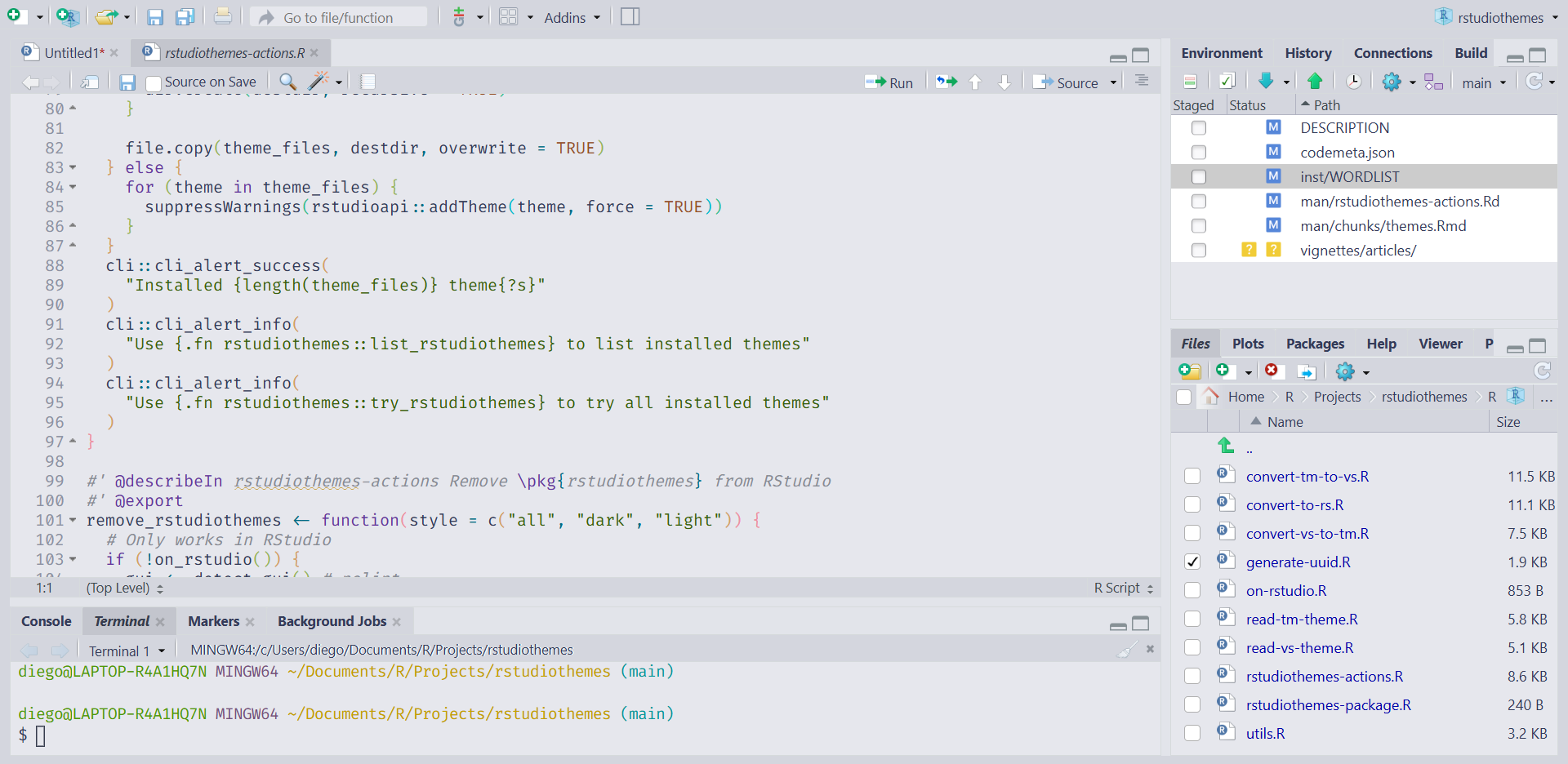
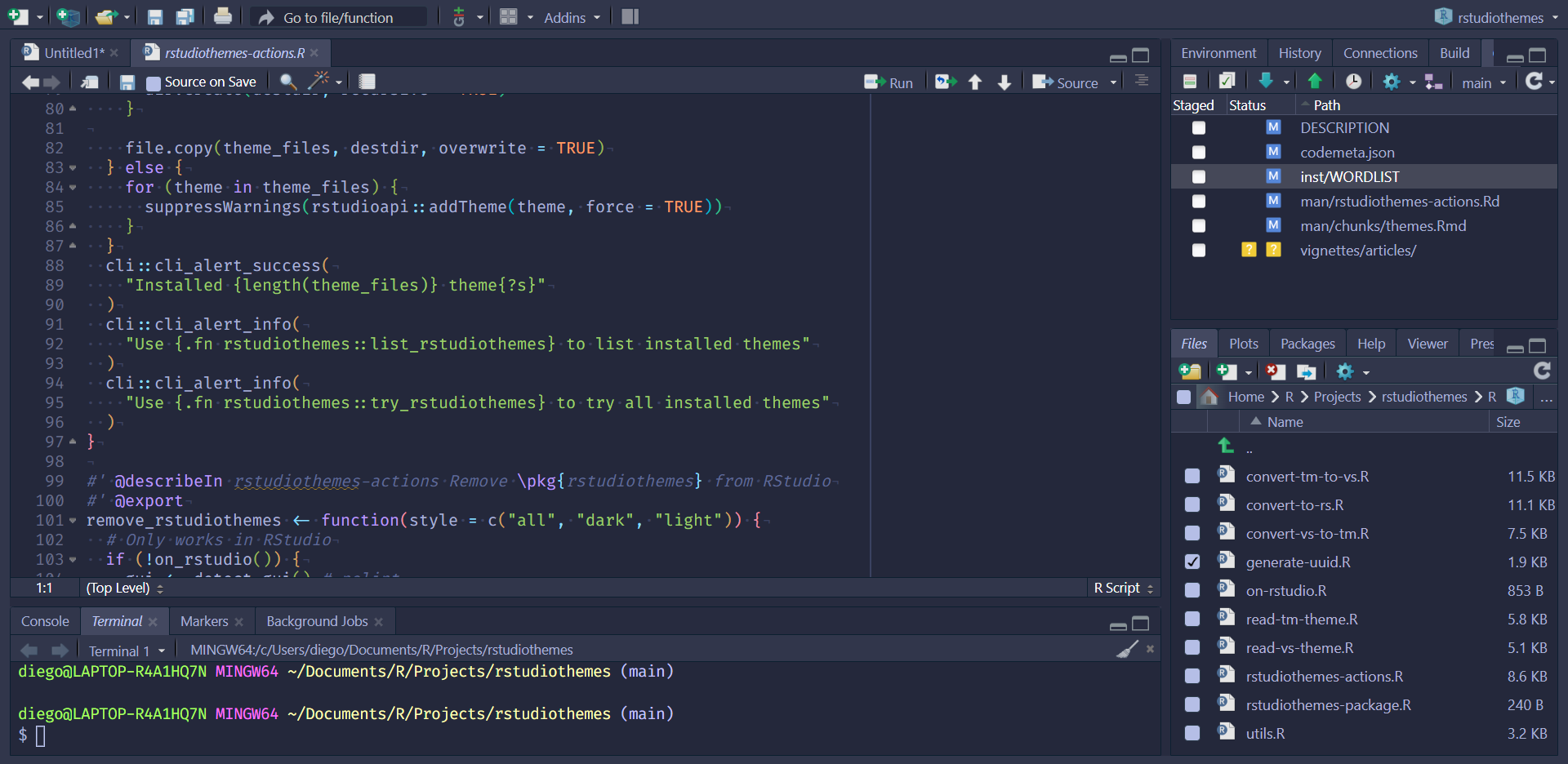
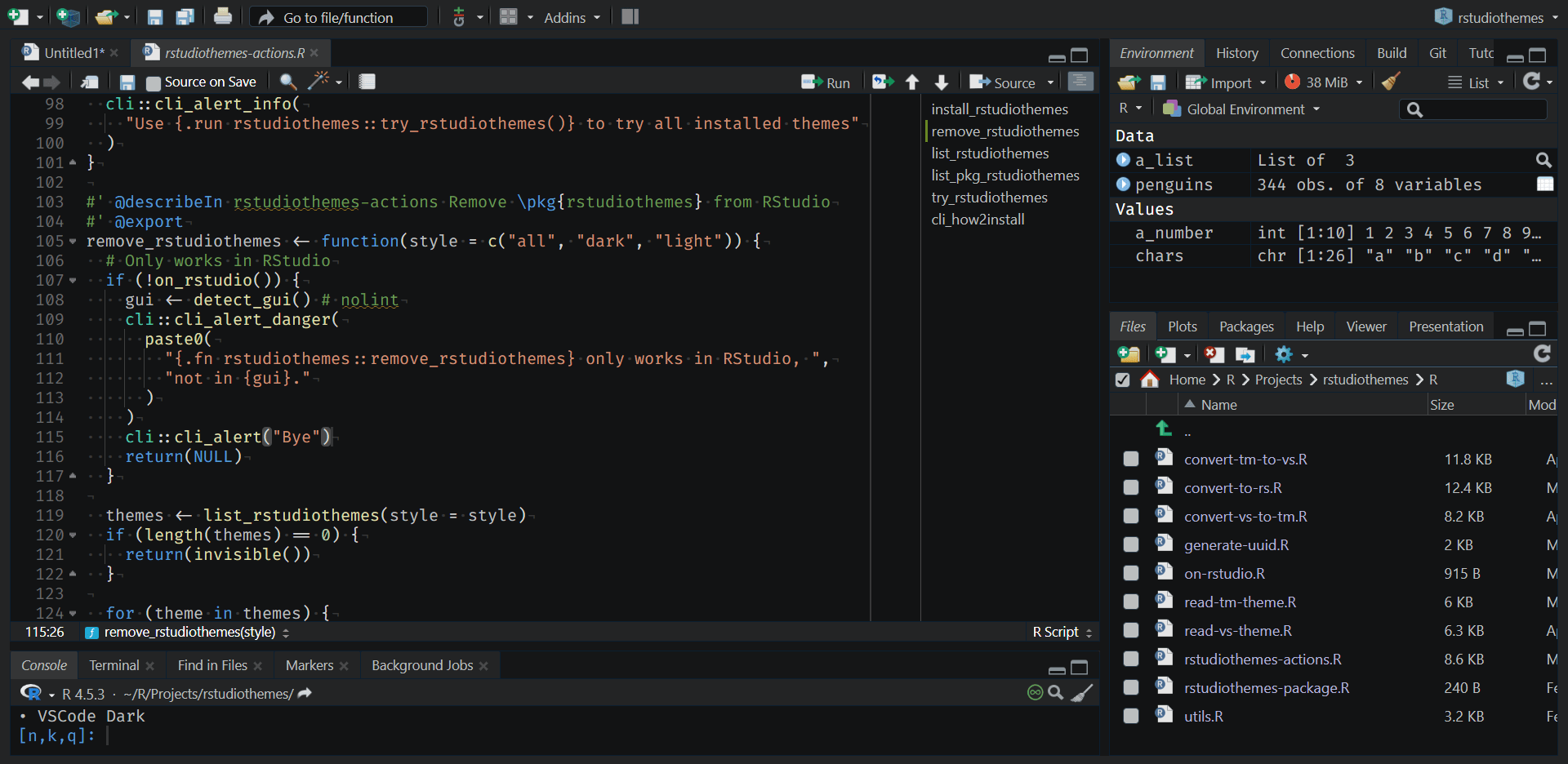
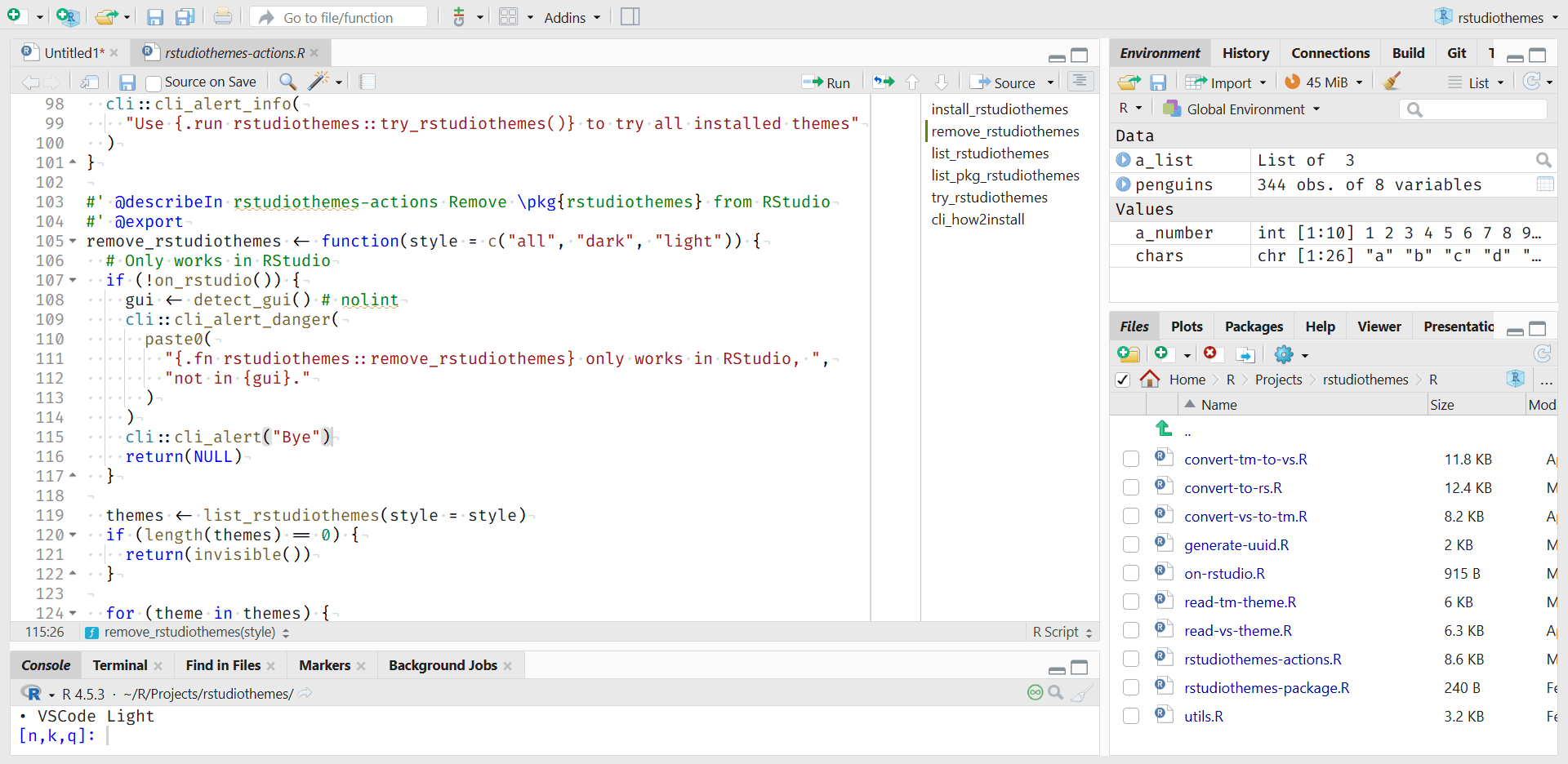
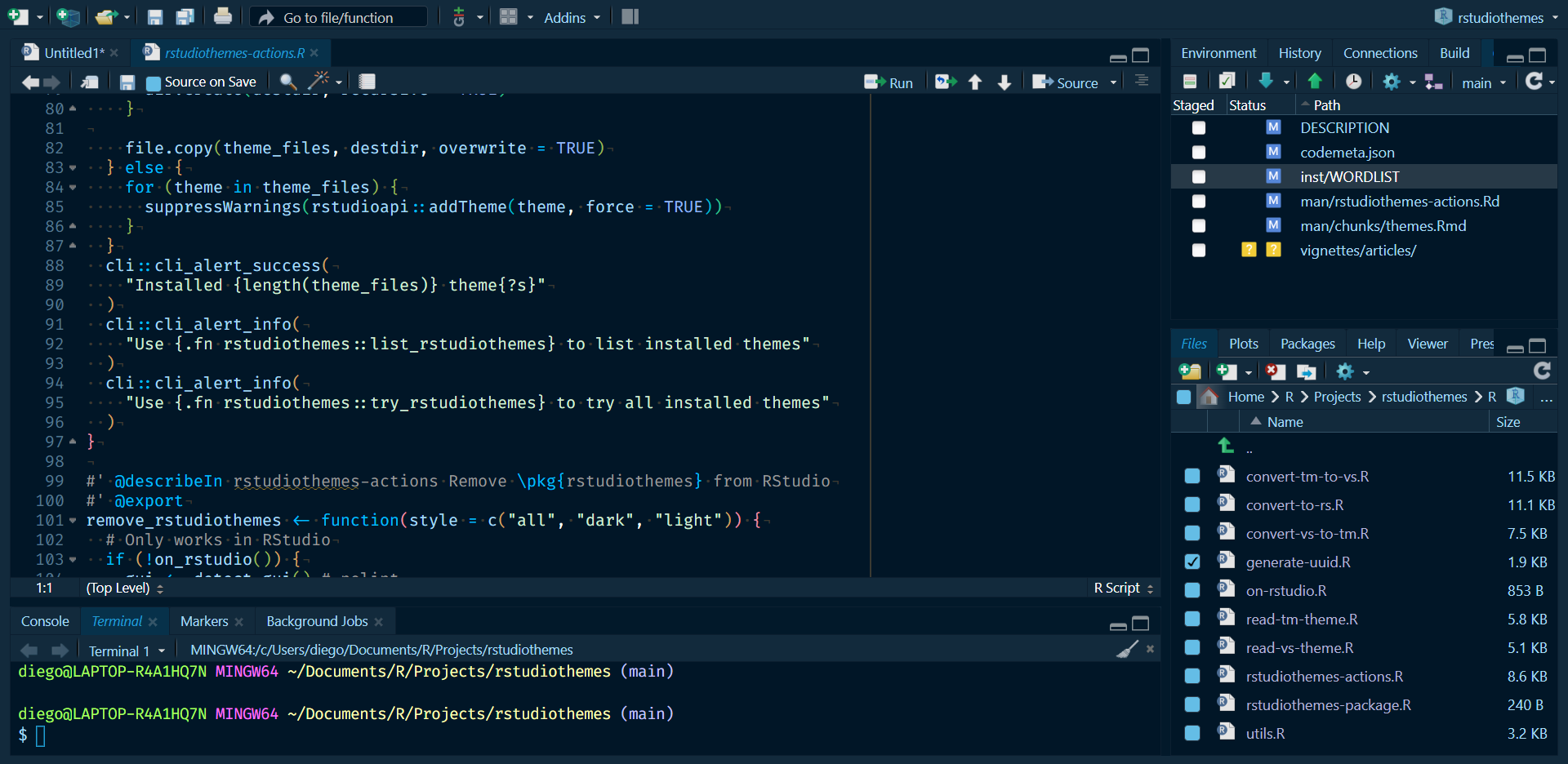
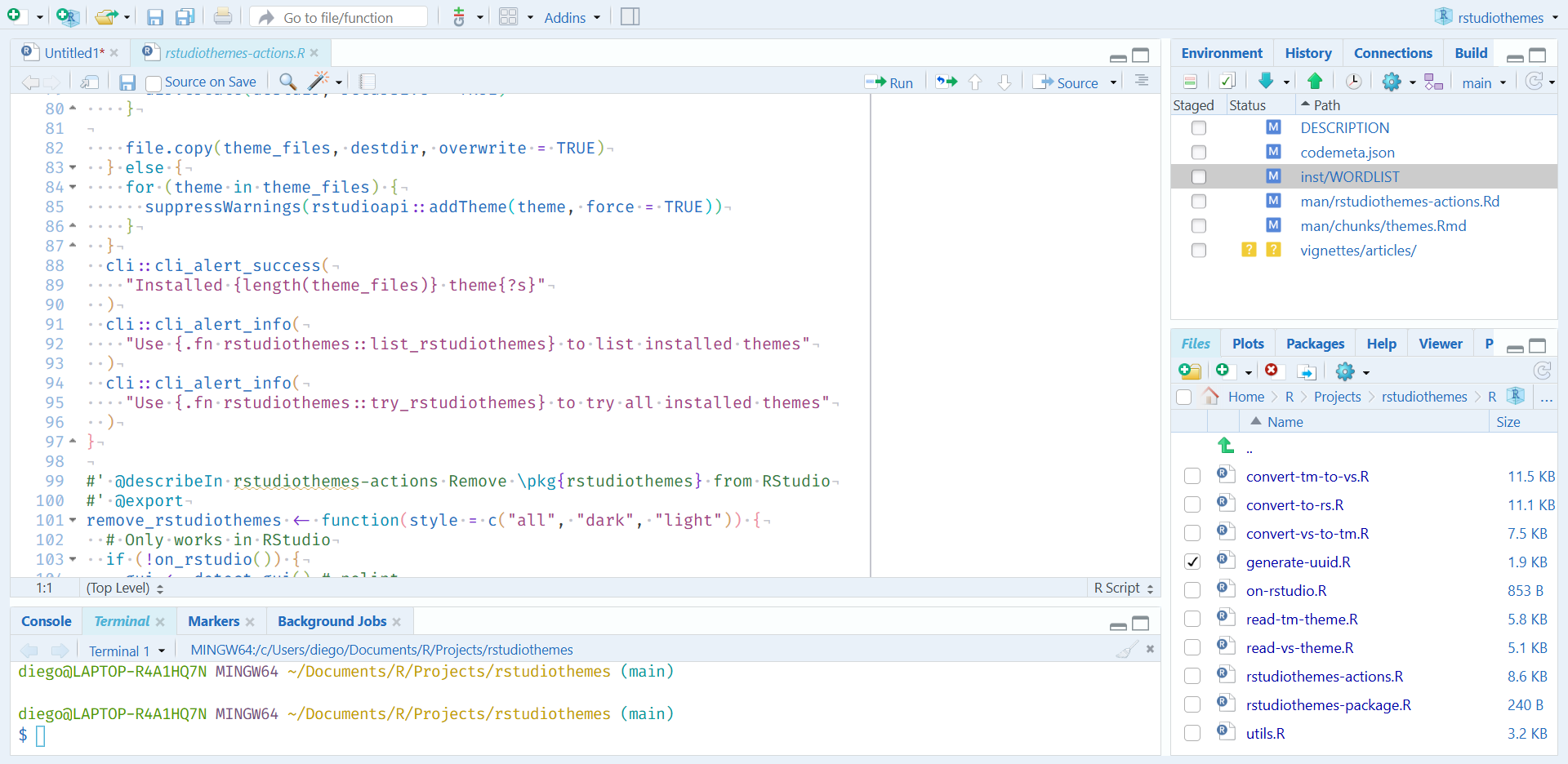
About the screenshots
Previews may look different on your device. The screenshots use this setup:
RStudio version
RStudio 2026.08.1+195 "Yellow Yarrow"

Release (8d474bc4cfad0e317095cd171e8ef44db6887068, 2026-08-14) for windows
Mozilla/5.0 (Windows NT 10.0; Win64; x64) AppleWebKit/537.36 (KHTML, like Gecko)
RStudio/2026.08.1+195
Chrome/148.0.7778.280
Electron/42.7.1
Safari/537.36,
Quarto 1.10.18 (C:/Users/diego/AppData/Local/Programs/Quarto/bin/quarto.exe)
Code font
Fira Code: https://fonts.google.com/specimen/Fira+Code.