
PhotoSwipe support is available in v2.2.0 and later. Follow Enable PhotoSwipe on a gallery to add the viewer to an existing gallery or carousel. No page YAML setting is needed. Each gallery opens its own sequence; images remain ordinary links when JavaScript is disabled or the library cannot load.
Masonry gallery
Click an image, or focus its link and press Enter. Inside the viewer, use the arrow keys to change images and Escape to close it. Focus returns to the image you opened. On touchscreens, swipe between images and pinch to zoom.
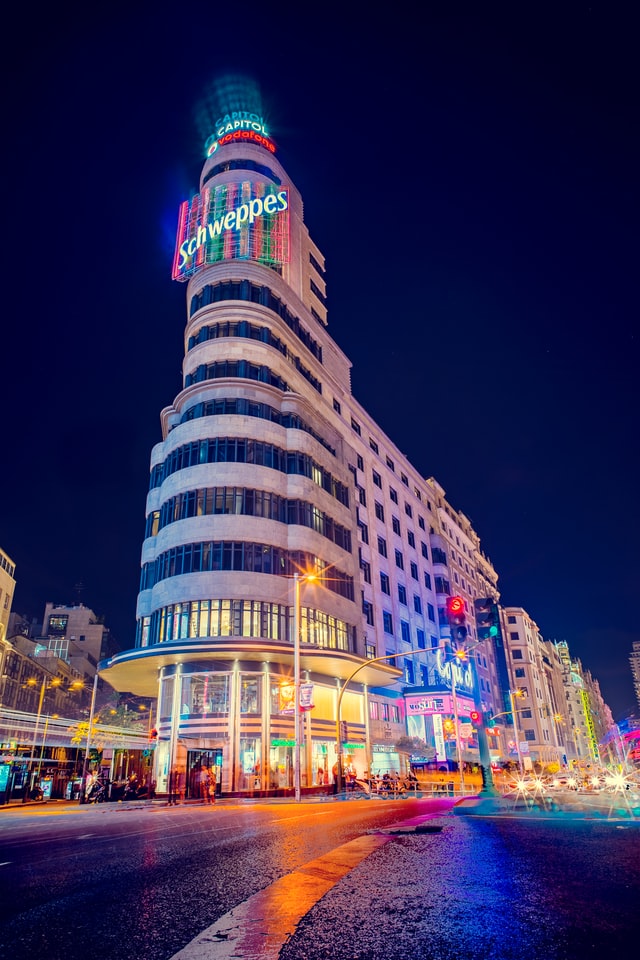
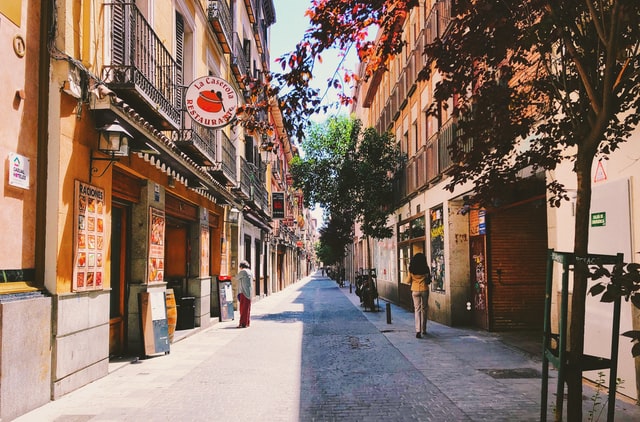




{% include_cached snippets/masonry.html internal="gallery" index_sort="basename" index_sort_asc=true index_items=6 photoswipe=true %}
Carousel gallery
The carousel uses a separate group. Its slide remains in place while the viewer is open. PhotoSwipe loads only when you open an image, respects reduced motion and discovers image dimensions without a Jekyll image-processing plugin.
{% include_cached snippets/carousel.html internal="gallery" index_sort="basename" index_sort_asc=true index_items=3 interval=0 controls=true indicators=true photoswipe=true %}
The examples use the existing image_col: gallery static-file defaults. External
image lists work too. See gallery setup and PhotoSwipe requirements.