

Add these examples to the body of a Markdown post or page, below the settings block. Follow each guide for setup and version requirements.
Alert · Callouts · Image caption · Gallery · Slideshow · Diagram · Video
Alert
Note: Keep a copy of your draft before changing its permalink.
You can include a second paragraph or a list.
<div role="note" class="alert alert-info p-3 mx-2 mb-3" markdown="1">
**Note:** Keep a copy of your draft before changing its permalink.

You can include a second paragraph or a list.
</div>
Add a callout or a one-paragraph alert.
Callouts
Callouts are available in v2.3.0. Use one class to select the title, Font Awesome icon and skin color.
Keep a copy of your draft before changing its permalink.
Preview the post locally before publishing.
Keep internal links up to date after changing a permalink.
Check that your redirects work before sharing the new URL.
Removing a redirect can break links to the old URL.
<div role="note" aria-label="Note" class="callout-note" markdown="1">
Keep a copy of your draft before changing its permalink.
</div>
Choose a callout type and accessible label.
Image caption
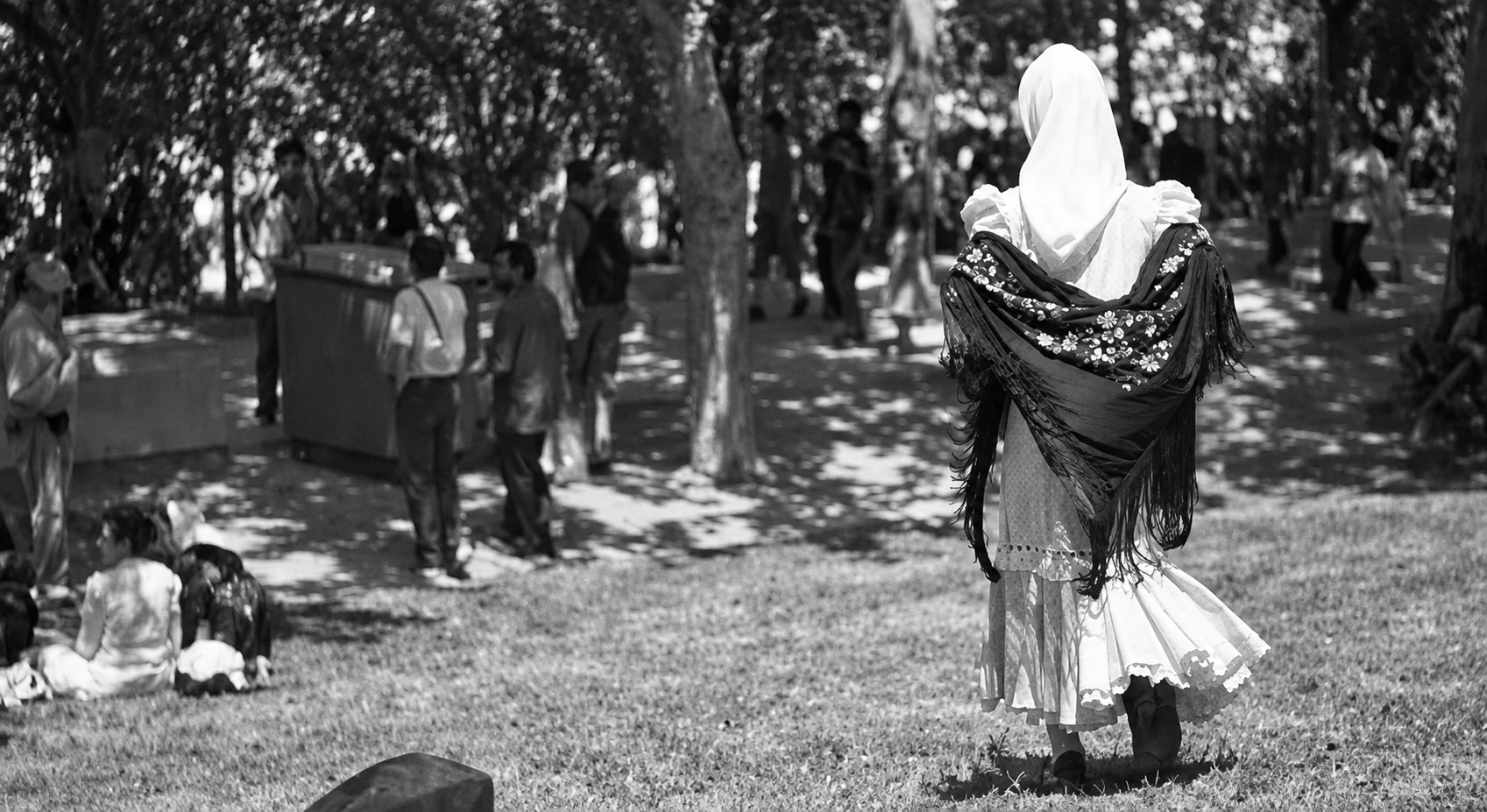
Plaza de España, Madrid.

Plaza de España, Madrid.
{: .caption}
Replace the path, alternative text and caption with your own. Add an image caption.
Gallery
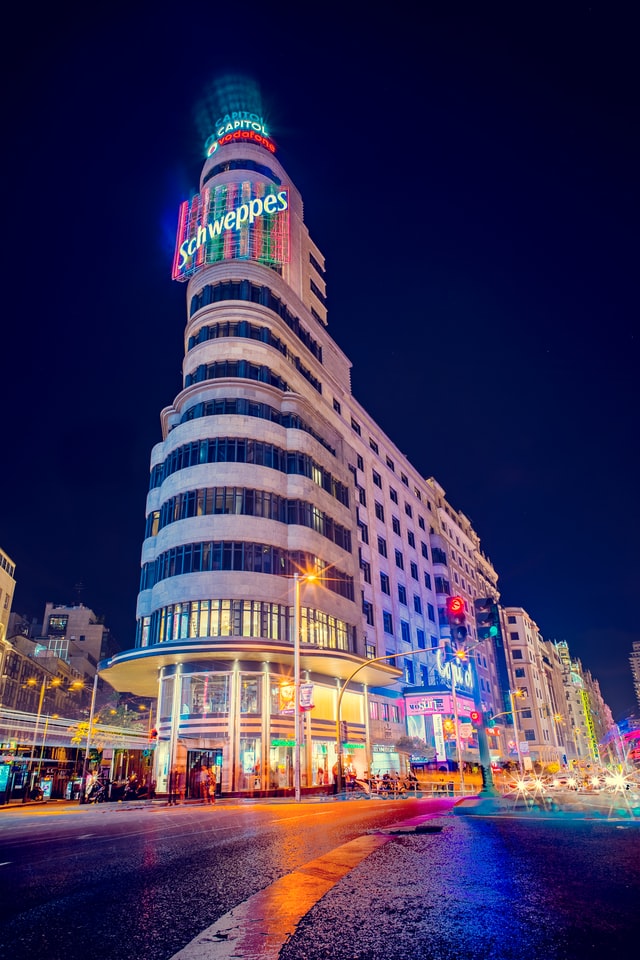
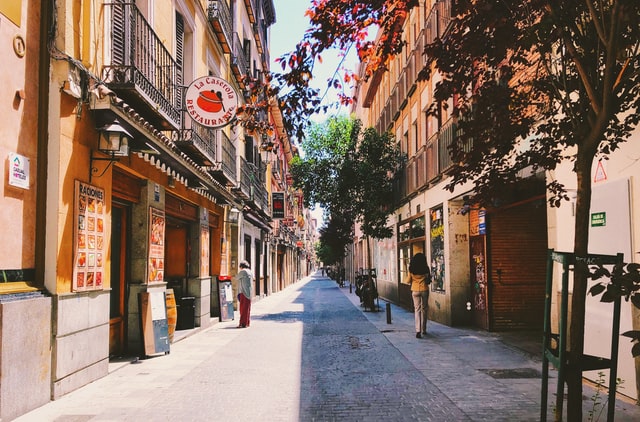
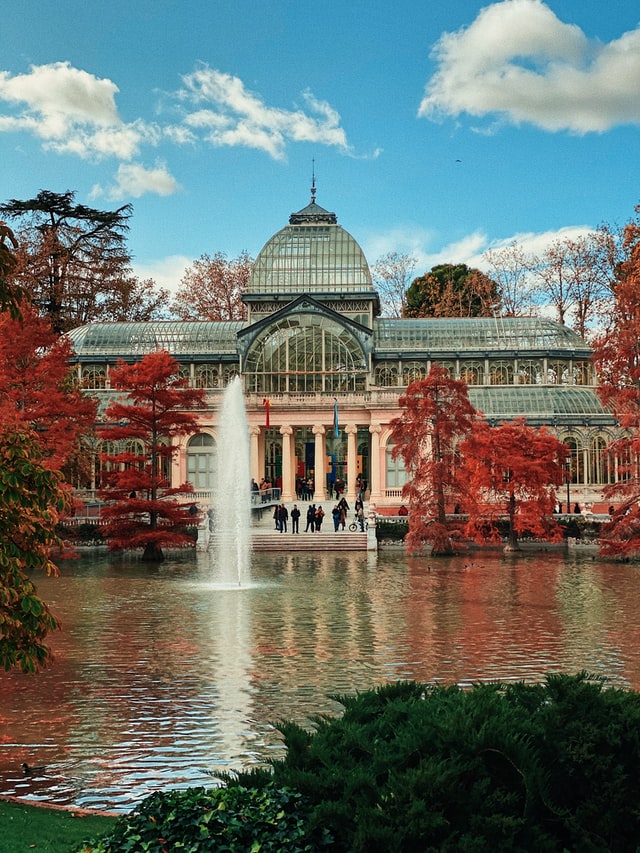
{% include_cached snippets/masonry.html internal="gallery" index_sort="basename" index_sort_asc=true index_items=3 %}
Set up the gallery image group. This example shows its first three images.
Slideshow
{% include_cached snippets/carousel.html internal="gallery" index_sort="basename" index_sort_asc=true index_items=3 interval=0 controls=true indicators=true %}
Use the same image group as the gallery. Add a manual slideshow.
Diagram
flowchart LR
  accTitle: Publishing workflow
  accDescr: Write and publish an article.
  A[Write] --> B[Publish]
Add mermaid: true to the page settings, then paste this block into the body.
```mermaid
flowchart LR
  accTitle: Publishing workflow
  accDescr: Write and publish an article.
  A[Write] --> B[Publish]
```
Video
{% include snippets/video.html provider="youtube" id="1hXYuWTWVww"
   name="Menorca - Isla Bonita"
   thumbnail_url="https://img.youtube.com/vi/1hXYuWTWVww/hqdefault.jpg"
   upload_date="2019-07-27T12:44:00-07:00" %}