The rstudiothemes package provides tools to convert Visual Studio Code, Positron and TextMate theme files to RStudio .rstheme files and install them in your RStudio IDE. It also includes bundled RStudio themes.
Installing bundled themes
To install all bundled RStudio themes:
install_rstudiothemes()

#> ✔ Installed 38 themes
#> ℹ Use `rstudiothemes::list_rstudiothemes()` to list installed themes.
#> ℹ Use `rstudiothemes::try_rstudiothemes()` to preview installed themes.
This adds popular themes such as Tokyo Night, Nord, Winter is Coming and Dracula2025 to your RStudio themes directory.
To list the themes available in the package:
list_rstudiothemes(list_installed = FALSE)
#>  [1] "Andromeda"                  "ayu Dark"
#>  [3] "ayu Light"                  "Barbie Theme"
#>  [5] "Bluloco Light"              "Catppuccin Latte"
#>  [7] "Catppuccin Mocha"           "cobalt2"
#>  [9] "CRAN"                       "Dracula2025"
#> [11] "GitHub Dark"                "GitHub Light"
#> [13] "JellyFish Theme"            "Matcha"
#> [15] "Matrix"                     "Night Owl"
#> [17] "Night Owl Light"            "Nord"
#> [19] "OKSolar Dark"               "OKSolar Light"
#> [21] "OKSolar Sky"                "One Dark Pro"
#> [23] "Overflow Dark"              "Overflow Light"
#> [25] "Panda Syntax"               "Positron Dark"
#> [27] "Positron Light"             "Selenized Dark"
#> [29] "Selenized Light"            "Skeletor Syntax"
#> [31] "SynthWave 84"               "Tokyo Night Light"
#> [33] "Tokyo Night Storm"          "Tokyo Night"
#> [35] "VSCode Dark"                "VSCode Light"
#> [37] "Winter is Coming Dark Blue" "Winter is Coming Light"
Trying themes
You can preview installed themes from an R session:
Pass a subset of styles (for example, "dark" or "light") if needed.
Applying a theme
After installing themes, apply one with the RStudio API:
rstudioapi::applyTheme("Winter is Coming Dark Blue")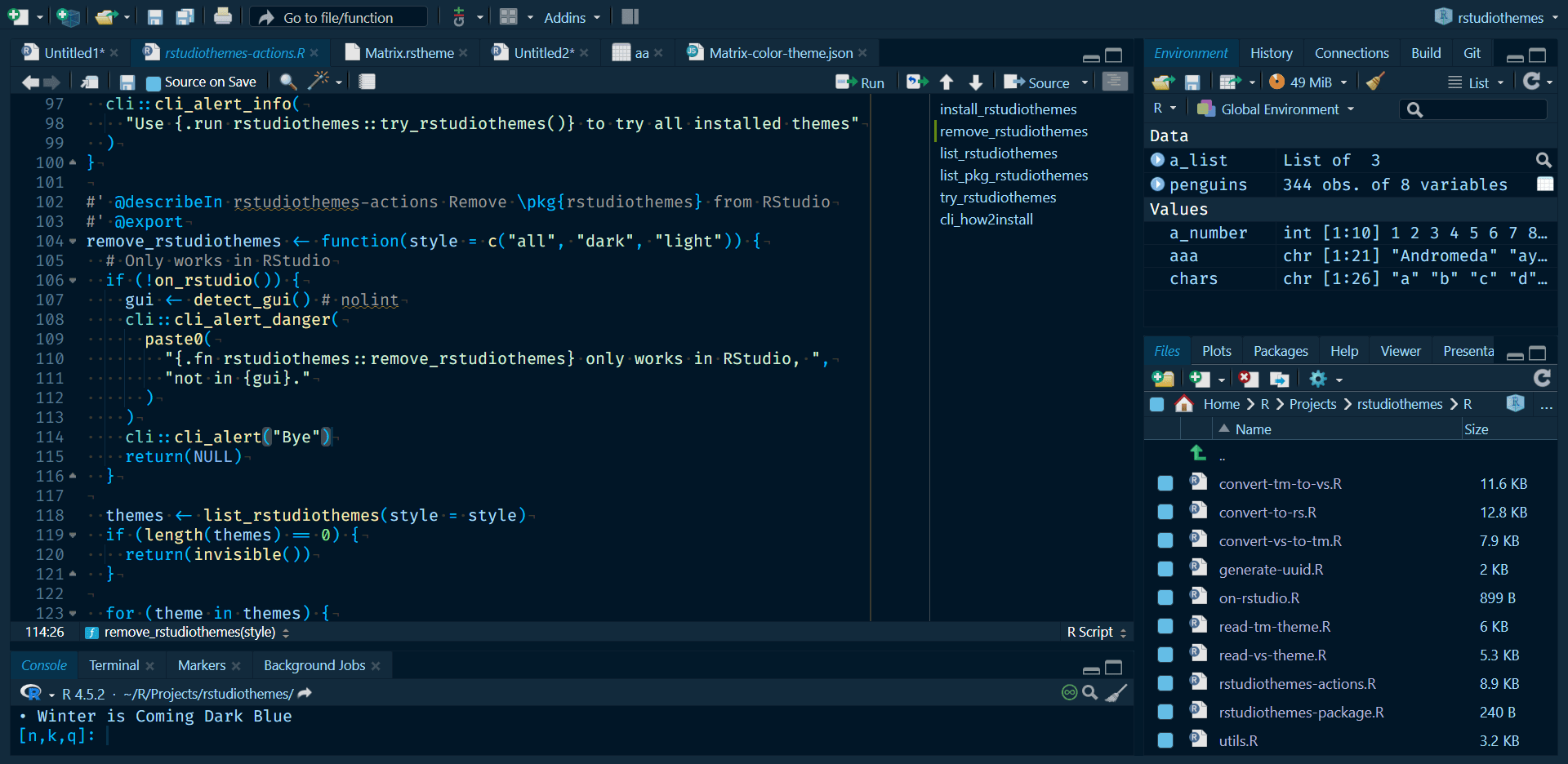
Alternatively, in RStudio, choose Tools > Global Options > Appearance > Add and select the installed theme.
Converting your own themes
You can convert a Visual Studio Code, Positron or TextMate theme file to an RStudio .rstheme file:
convert_to_rstudio_theme(
  "<path/to/vscode-theme.json>",
  apply = TRUE,
  force = TRUE
)
This function writes the .rstheme file, installs it and applies it when apply = TRUE.
Workflow example: from Visual Studio Code or Positron to RStudio
- Choose a
.jsontheme file from Visual Studio Code or Positron. - Convert and install it with
convert_to_rstudio_theme(). - Apply it with
rstudioapi::applyTheme()or the RStudio interface.
This workflow brings your preferred editor theme to RStudio.
Tips and tricks
- List installed themes with
list_rstudiothemes(list_installed = TRUE). - Filter themes by
"light"or"dark"style. - Use the Add Theme interface in the RStudio IDE (
Global Options > Appearance > Add) to manually add.rsthemefiles that you have created or converted.