Skip to contents

This article shows several ways to plot the SpatRaster object returned by rasterpic_img().

Base plots

The most direct option is to use plotting functions from the terra package, such as terra::plotRGB():

library(rasterpic)
library(terra)

# Use the flag of the United Kingdom.
img <- system.file("img/UK_flag.png",
  package = "rasterpic"
)

uk <- sf::st_read(
  system.file("gpkg/UK.gpkg",
    package = "rasterpic"
  ),
  quiet = TRUE
)

uk_img <- rasterpic_img(uk, img, mask = TRUE, inverse = TRUE)
plotRGB(uk_img)
Map of a rectangular UK flag with the UK land area cut out. The flag remains visible outside the country coastline, illustrating an inverse mask.
Figure 1: Plot with the terra package.

With ggplot2 and tidyterra

The tidyterra package provides ggplot2 support for terra SpatRaster objects:

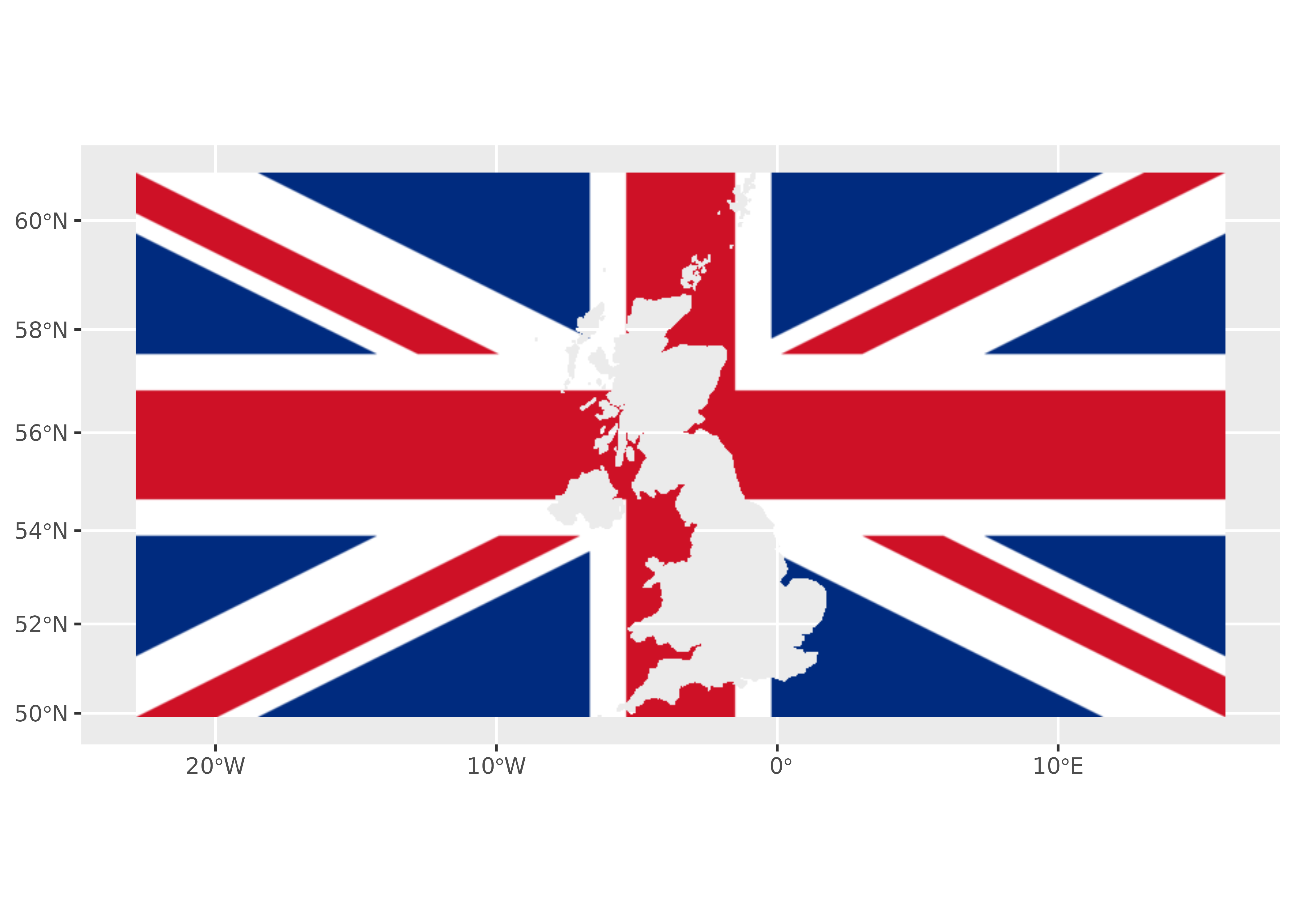
Map with longitude on the horizontal axis and latitude on the vertical axis. A rectangular UK flag surrounds a blank silhouette of the UK, including its islands. The inverse mask retains the flag outside the country coastline.
Figure 2: Plot with the tidyterra package.

With tmap

The tmap package can also create maps from SpatRaster objects:

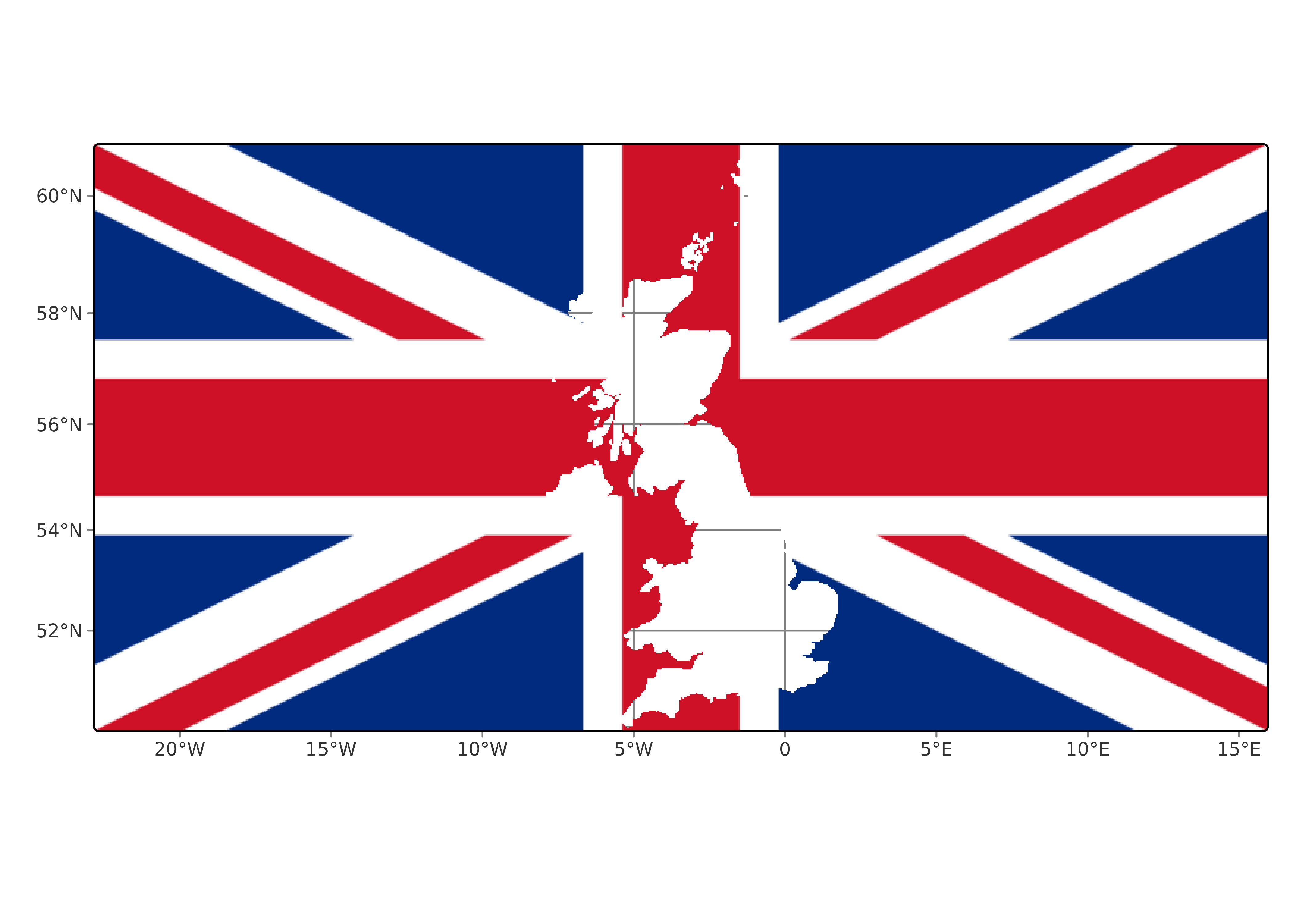
Map of a rectangular UK flag surrounding a blank silhouette of the UK. Longitude and latitude grid lines provide geographic reference. The flag remains visible outside the country coastline.
Figure 3: Plot with the tmap package.

With mapsf

The mapsf package can also plot SpatRaster objects:

library(mapsf)

mf_raster(uk_img)
mf_scale()

mf_inset_on(x = "worldmap", pos = "topright")
mf_worldmap(uk)
mf_inset_off()
Map of a rectangular UK flag with the UK land area cut out. A scale bar indicates distance, and a world map inset at the upper right locates the UK.
Figure 4: Plot with the mapsf package.

With maptiles

The maptiles package can download map tiles from different providers. It also provides functions for plotting terra SpatRaster objects:


library(maptiles)

other_tile <- get_tiles(uk, crop = TRUE, zoom = 6)

other_tile_crop <- terra::crop(other_tile, uk_img)

plot_tiles(other_tile_crop)
plot_tiles(uk_img, add = TRUE)
Map combining a geographic basemap with a rectangular UK flag. The flag covers the basemap outside the UK coastline, while the inverse mask reveals the basemap within the country silhouette.
Figure 5: Plot with the maptiles package.

References

Tennekes M (2018). “tmap: Thematic Maps in R.” Journal of Statistical Software, 84(6), 1–39. doi:10.18637/jss.v084.i06.

Giraud T (2026). mapsf: Thematic Cartography. doi:10.32614/CRAN.package.mapsf.

Hernangómez D (2023). “Using the tidyverse with terra objects: the tidyterra package.” Journal of Open Source Software, 8(91), 5751. ISSN 2475-9066. doi:10.21105/joss.05751. https://doi.org/10.21105/joss.05751.

Hijmans R, Brown A, Barbosa AM, Cordano E, Dyba K (2026). terra: Spatial Data Analysis. R package version 1.9-50, https://rspatial.org/.

Wickham H (2016). ggplot2: Elegant Graphics for Data Analysis. Springer-Verlag New York. ISBN 978-3-319-24277-4. https://ggplot2.tidyverse.org.